
TikTok’s review cycle has been sitting at 20+ days lately. For short drama teams, that wait time is borderline absurd.
We took a different approach: drop new shows straight on YouTube. Our first show on a brand-new channel hit 100,000 hours of watch time within 7 days of going live. That kind of speed is unthinkable on TikTok.
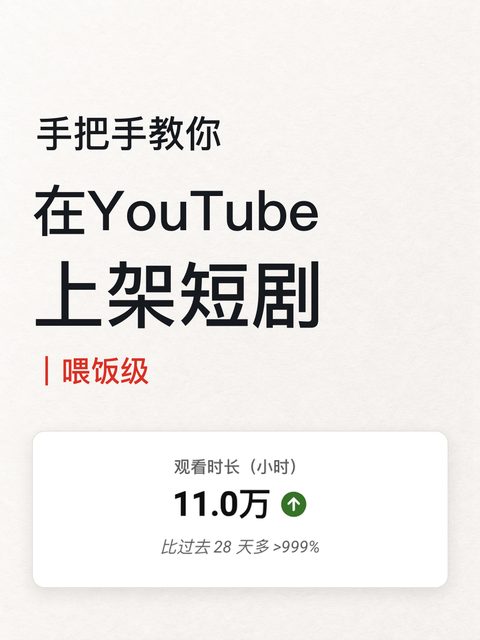
This article breaks down our entire process from zero to publishing the first episode. No prior YouTube operations experience needed — just follow along and you’ll get it published.
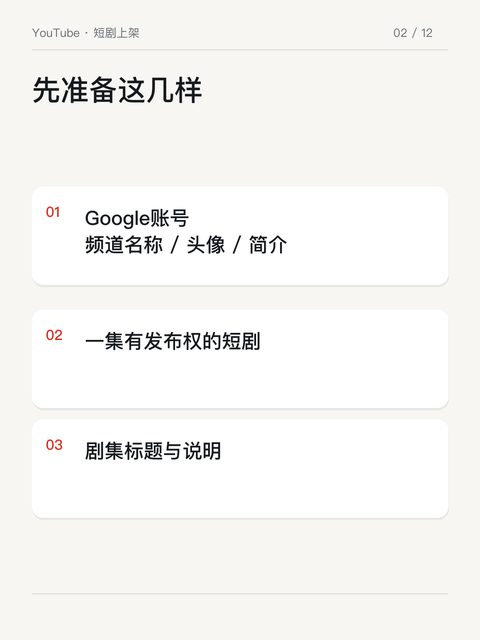
Before You Start, Gather Four Things
A stable network environment, a Google account you can manage long-term, a channel name and avatar, and one short drama episode you have the rights to publish. Get the title and description written ahead of time too — don’t improvise on the upload screen.
With these in hand, everything from here on is pure execution.
Register a Google Account
Go to the Google homepage, click “Sign in” in the top-right corner, select “Create account,” choose “For personal use,” and follow the prompts to fill in your info and complete verification. If you already have an account, skip this step.
While you’re at it, set up a recovery email right after registering — saves you the headache of account recovery down the line.
Create Your Channel
Log in to YouTube, click your avatar in the top-right corner, and select “Create channel.”
One detail that trips people up: the channel name and the @ handle are two separate fields — don’t fill them in as one. The name is what’s displayed to viewers; the @ handle is the channel’s unique URL.
Basic Channel Setup
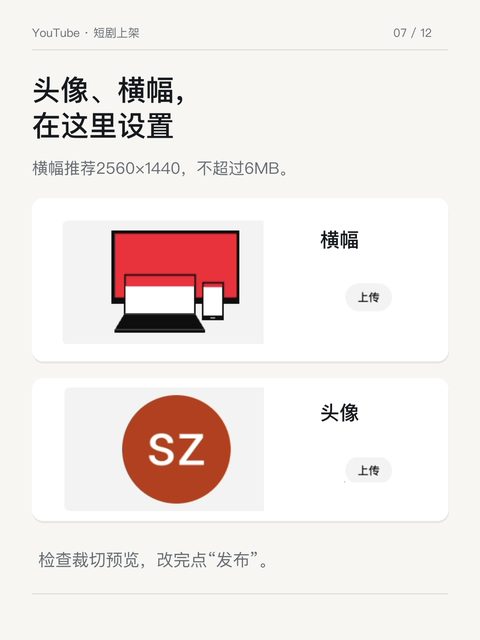
Go to “Customize channel” and fill in your avatar, name, and description. Add a banner if needed.
Don’t just throw together your description. If you’re not sure about your update schedule, don’t write “daily updates” — overpromising and underdelivering hurts your account more than saying nothing at all.
Remember to click “Publish” after making changes. Plenty of people just close the tab after editing and end up wasting all their effort.
Know Your Video Types — Shorts Has Hard Rules
YouTube automatically classifies square or vertical videos under 3 minutes as Shorts. Most short dramas fall right in this range, which is great for cold starts — Shorts has its own dedicated traffic pool.
Features like videos over 15 minutes have eligibility gates — check the requirements under Studio’s “Settings → Channel → Feature eligibility.” Note: being able to upload and being able to monetize are two different things — don’t conflate them.
Upload Your First Episode
In Studio, go to “Create → Upload video” in the top-right corner.
Don’t just use the export file name as your title. The format we use is:
【Drama Name】EP01|【Core conflict of this episode】
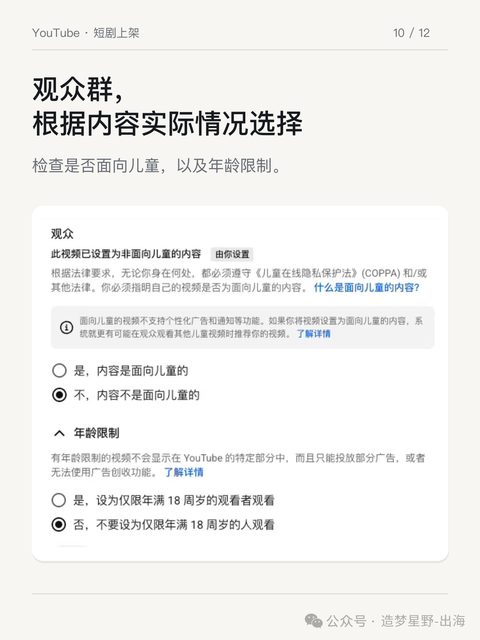
Fill in the description with plot details, language, and other relevant info. Select the appropriate audience based on the actual content.
If the drama is AI-generated, complete the AI disclosure truthfully. This isn’t optional — the platform checks.
Watch It Yourself Before Publishing
My approach: save it as “Unlisted” the first time, grab the link, open it yourself, and check the audio, subtitles, video quality, and the opening and ending. Once everything checks out, switch it to “Public.”
Note that “Unlisted” doesn’t mean private. Anyone with the link can watch it — don’t use it to hide anything you don’t want seen.
If a copyright claim pops up, deal with it first. Don’t just force the publish.
Get One Episode Out First, Then Worry About the Rest
Content strategy, update cadence, monetization requirements — you can tackle each of these separately. But all of it rests on one prerequisite: you’ve already published your first video.
Getting it out there is the first step of going global.