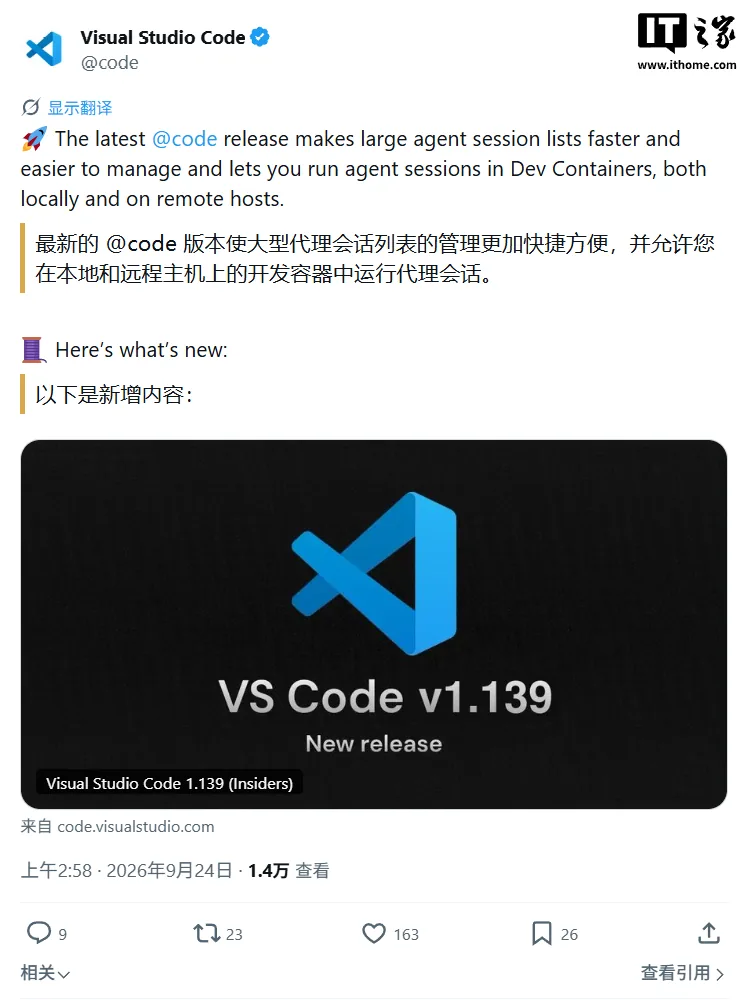
VS Code 1.139 Released: Key Facts at a Glance
- Release Date: September 23, 2026 (莫名其 time September 24)
- New Version: Visual Studio Code 1.139
- SupportedRemotes: SSH, Tunnel, and WSL connections
- Feature Status: Feature flag is gradually rolling out—not immediately available to all users
- Prerequisites: Remote environment must have a supported Dev Container configuration and Docker installed
Remote Dev Container Agent Sessions: Toolchain Reuse Becomes Reality
The headline feature enables AI Agents to run directly inside Dev Containers on remote projects, not inside the local environment. Dev Container is a Docker-based development environment standard defined by devcontainer.json, which specifies语言 runtimes, build tools, and project dependencies.
This means Agents can now leverage the project’s existing toolchain—no need to reinstall Java, Python virtualenvs, or Node modules separately on local vs. remote machines. For distributed teams, it eliminates thefriction of “it works on my machine” disputes, since everyone and every Agent operates against identical infrastructure definitions.
Note: The rollout is incremental; users may wait hours to days before seeing the feature flag appear in their client.
Session Performance Leap: 12x Speedup Explained
For large-scale Agent sessions, v1.139 introduces a centralized lightweight metadata directory. Previously, every time the session list loaded, VS Code opened every single database entry to fetch minimal metadata, causing quadratic slowdown as session count grew.
The new architecture maintains a separate, aggregated metadata store containing only titles, last activity timestamps, and group memberships. Benchmark results:
| Scenario | Old Version | New Version | Improvement |
|---|---|---|---|
| Initial load (645 sessions) | 1.3 s | 0.1 s | ~12x |
| List refresh | 0.6 s | 0.15 s | ~4x |
The performance delta is striking: even though 645 sessions represent a high-load scenario (most developers manage fewer than 50 active sessions), achieving a 12x speedup exceeds typical baseline optimizations (usually 2–3x).
Relaunched Session Management: Compact View & Instant Rename
UI improvements include Compact View, which lets Agents Window display more sessions by default. Empty groups are auto-hidden, keeping screens focused on active work.
Renaming sessions and nested chats is now streamlined via:
- Double-clicking a session or nested chat entry
- Right-click context menu
- F2 keyboard shortcut after selection
These usability tweaks reduce cognitive overhead for developers constantly reorganizing conversations across multiple projects.
Who Should Upgrade? Practical Advice
- Upgrade Now If: Your team uses Dev Containers for remote development (especially multi-developer shared toolchains); you routinely manage 30+ Agent sessions; or you rely on SSH/Tunnel/WSL remote connections.
- Wait If: You haven’t set up Dev Containers yet; your session count rarely exceeds a dozen; or you’re running VS Code in a strictly controlled enterprise environment with delayed updates.
Final Thoughts
VS Code 1.139 marks Microsoft’s pivot from a code editor to an AI Agent collaboration hub. Performance optimizations directly address scaling pain points inherent to AI-assisted workflows, signaling that Agents are no longer experimental but core to the development experience. AsSession scale becomes inevitable, infrastructure lightweighting will separate products that merely support AI from those truly built for it.