
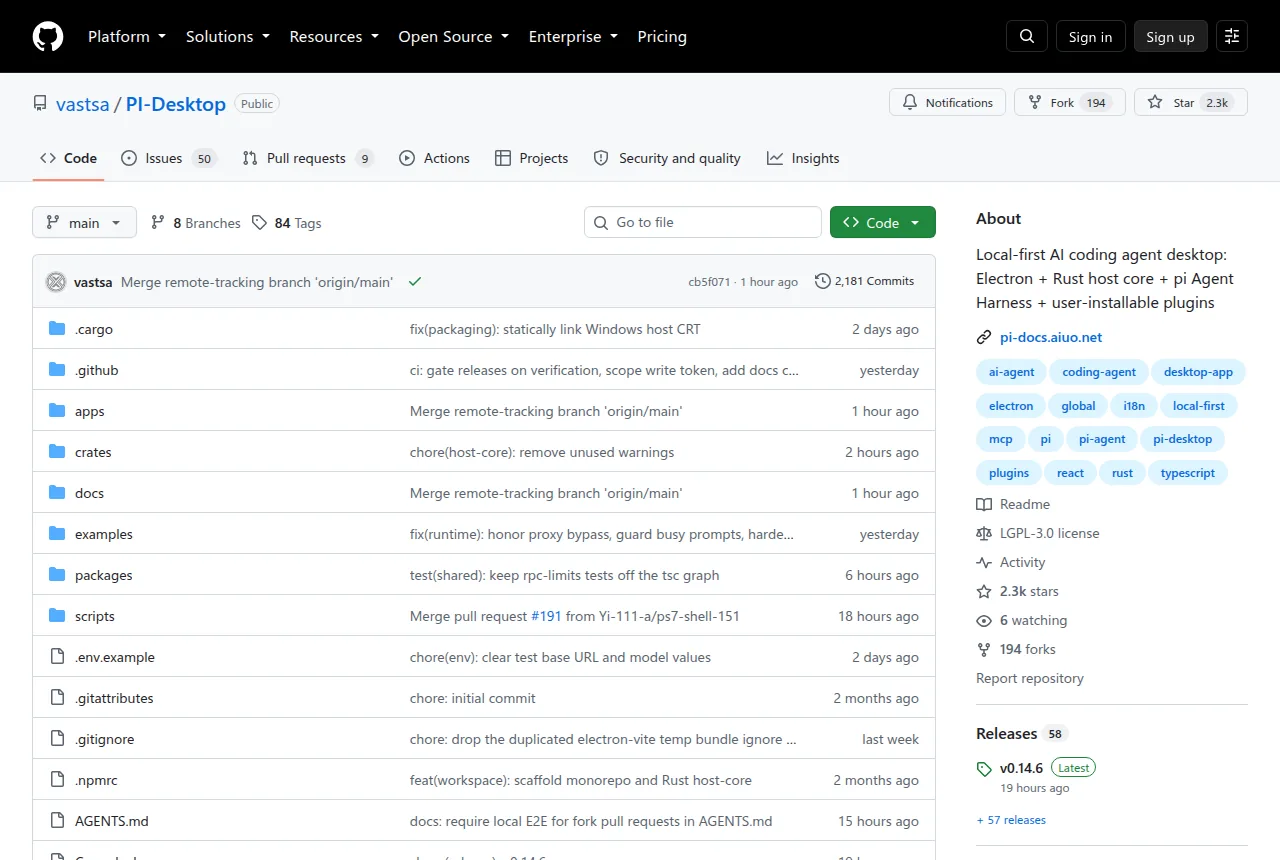
This morning, a name that caught everyone’s attention topped the GitHub trending list — PI-Desktop. Unlike typical programming tools plastered with “AI Revolution” banners, it takes a calm, restrained approach: let AI help you write code, but don’t hand over control too easily.
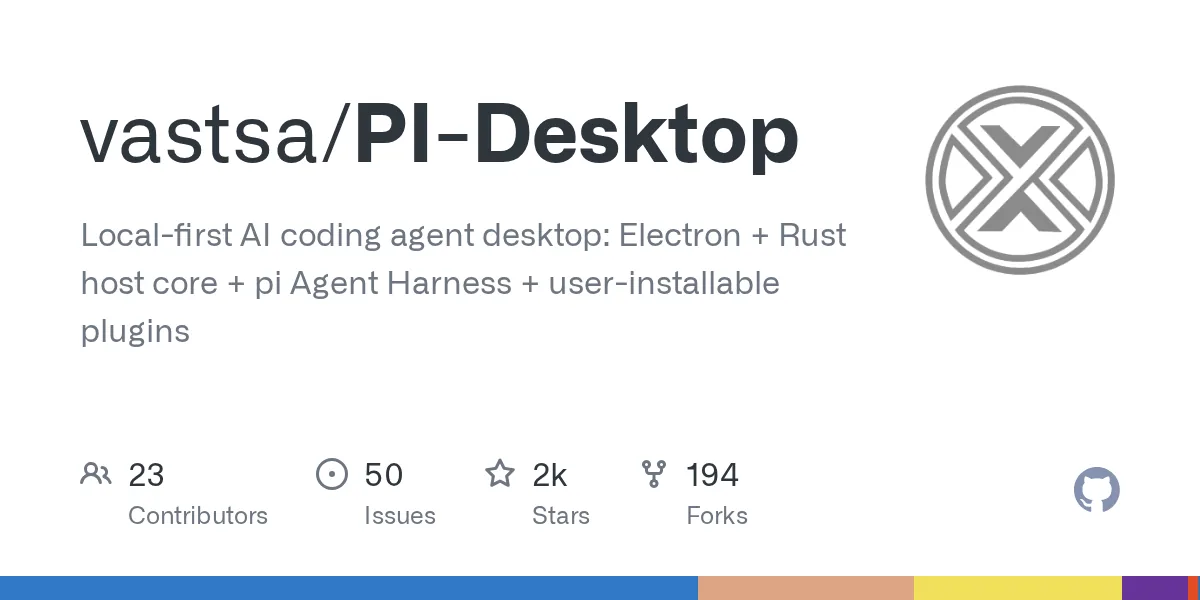
This is a local-first AI programming agent desktop client, built with Electron and Rust. It supports OpenAI, Anthropic, local models, and more — and crucially, it doesn’t force cloud routing, doesn’t require account binding, and won’t lock you into a single editor. As more AI tools tighten their grip on users through web pages or browser extensions, PI-Desktop’s “local-first” philosophy is worth a closer look.
Core Features: A Complete Workspace
PI-Desktop isn’t just a chat window — it’s more like a studio purpose-built for AI programming agents. You can manage multiple projects and sessions simultaneously, with conversations, code reviews, file previews, notifications, and extensions all unified in one space.
It offers three working modes tailored to different scenarios:
- Agent Mode: The most straightforward approach — the agent reads your code, edits files, and runs commands end to end
- Plan Mode: The agent first explores the entire codebase and produces a fixed implementation plan; execution begins only after you confirm
- Goal Mode: You define the goal and acceptance criteria, and the agent figures out the implementation path on its own
Getting Started: Three Steps
- Install: Download the appropriate package from GitHub Releases (macOS / Windows / Linux)
- Connect a Model: Open Settings → Model Configuration, select OpenAI, Anthropic, or any OpenAI-compatible API service, and enter your API key
- Open a Project: Click to add a local repository or directory from the sidebar, then start directing the agent using any of the three modes
Technical Highlights and Design Trade-offs
PI-Desktop’s tech stack isn’t about showing off — every choice reflects a “practicality first” mindset. Electron provides cross-platform desktop capabilities, while Rust handles the high-performance core agent logic. This combination ensures both a smooth development experience and responsive agent execution.
The core component in the background, known as the “pi Agent Harness”, is essentially a lightweight agent runtime that allows plugins and extensions to safely access the codebase and system commands. All sensitive operations (e.g., writing files, deleting directories, executing terminal commands) flow through a permission layer, where you can clearly review each risky operation and decide whether to approve or deny it.
It avoids both extremes: it doesn’t hardcode all plugins into the app itself (avoiding frequent app updates), nor does it fully rely on external microservices (avoiding dependence on network stability). This balanced approach makes extensions both flexible and reliable.
Who Is It For?
- Developers who code with AI daily: When you need to repeatedly modify, debug, and refactor, PI-Desktop’s session history, review panel, and multi-session management reduce the cost of context switching
- Privacy-conscious teams: Code never leaves your local machine, and model calls can be configured to run entirely locally (paired with tools like Ollama or LM Studio)
- Technical decision-makers: The project uses the MIT open-source license with no hidden commercial terms — you can confidently evaluate whether it fits your team’s workflow
For comparison with similar tools:
- Cursor / Summit: Deeply tied to browsers or editor extensions — these are “editor enhancements”; PI-Desktop is a standalone workspace with freer project migration
- OpenHands / Nightfall: Focused on long-loop agent tasks, but their UI and interaction are still evolving; PI-Desktop has targeted desktop application experience from day one, with more mature interactions
- GitHub Copilot Chat: A cloud service that depends on network connectivity and offers limited operational visibility; PI-Desktop provides full transparency into every agent step
Final Thoughts
PI-Desktop’s significance doesn’t lie in solving every problem — it lies in offering an alternative possibility: AI programming tools don’t have to be black boxes, and they don’t have to be cages. When controllability and flexibility become scarce commodities, and the power of choice returns to developers, that’s when we may truly enter a fast lane of productivity.