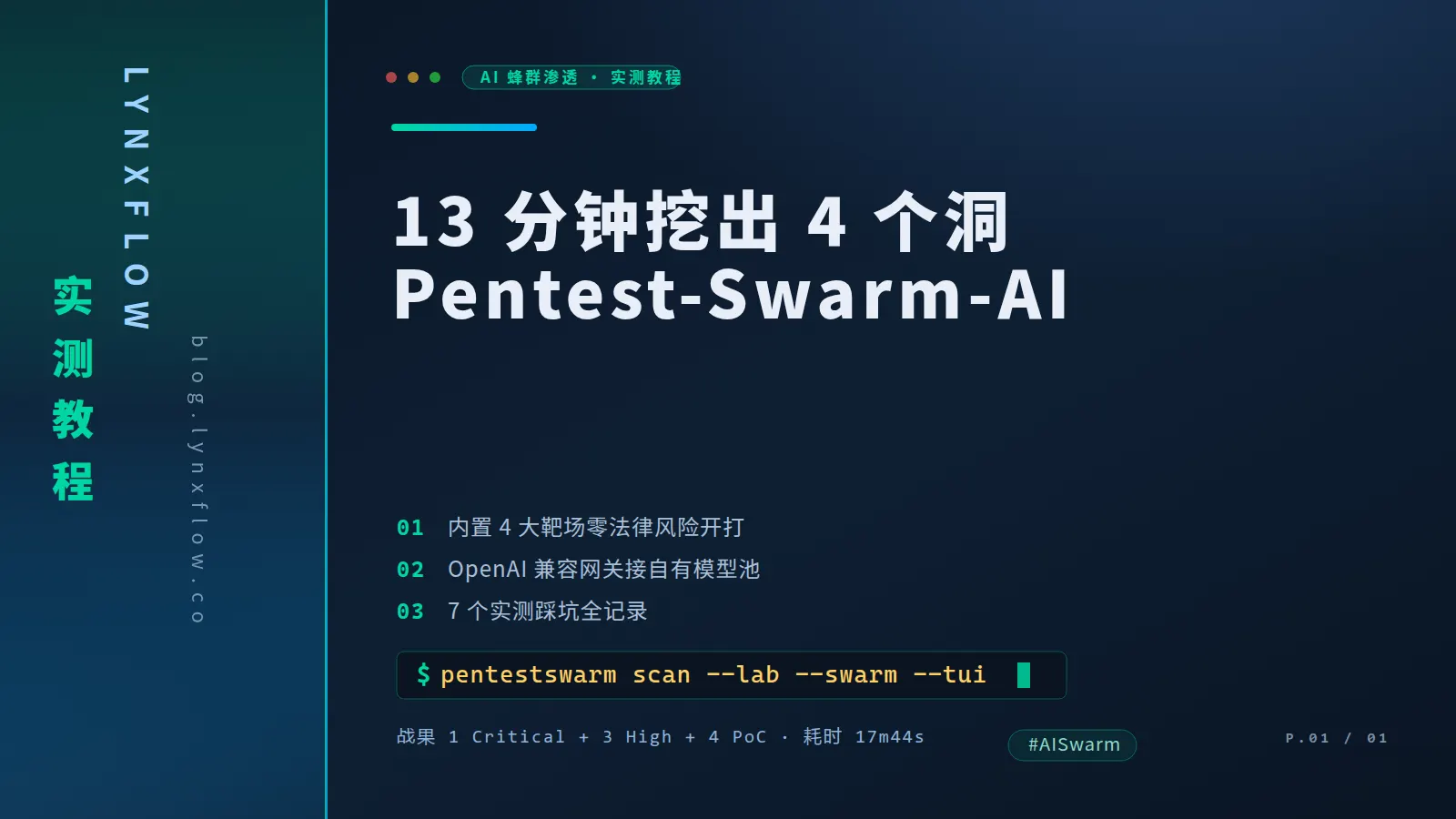
Bottom line up front: give Pentest-Swarm-AI a Docker environment and a working LLM, and it’ll surface every planted vulnerability in the OWASP crAPI lab in 13–18 minutes. In one test run I pulled out 1 Critical (JWT
alg:noneforgery for arbitrary account takeover) + 3 Highs (BOLA, NoSQL injection, API logic flaw) + 4 directly runnable PoC scripts, consuming 104,384 input tokens — about $1.01 in LLM costs.
This is a complete first-hand walkthrough, not a documentation translation. Every command, every error, every number comes from six campaign runs I executed on a 16 GB WSL2 machine.
1. What It Is: Not a Scanner, a Swarm
90% of “AI pentest tools” on the market are just nuclei, nmap, and friends wrapped in a shell, with an LLM interpreting the output. Pentest-Swarm-AI (hereafter PSAI) is not that.
Its core design is a stigmergic swarm: multiple specialized agents (recon, classification, exploitation, reporting) share a “blackboard.” Each agent writes traces and findings to the board, and when a relevant agent sees enough signal, it wakes up and takes the baton — like ants collaborating via pheromones, not a conveyor belt running a fixed sequence.
A direct observation: during the crAPI campaign, the recon agent flagged /community/api/v2/coupon/validate as suspicious and wrote it to the board. The classification agent picked it up, identified it as a NoSQL injection candidate. The exploitation agent crafted a payload to confirm the hit. The reporting agent auto-generated a CVSS score and remediation advice. Zero human intervention — I watched them relay like an ant colony in the TUI.
It walks the same path as XBOW (the closed-source product that topped the bug bounty leaderboard), but is fully open-source and self-hosted: a single Go binary, 7 native security tools, AGPL-3.0 license.
2. Installation: One Command, but One Silent Trap
The official docs offer five install paths. npm is the fastest (requires Node ≥ 16):
| |
macOS/Linux users can also use the install script, Homebrew, the Go toolchain, or Docker — pick whichever you prefer:
| |
Trap 1 (hit in testing): Recent npm versions block install scripts by default, and the postinstall binary download silently fails. After installing, running pentestswarm --version reports “binary not found.” Fix:
| |
Trap 2: If the binary is still an empty file (GitHub Release download failed — common on networks in China), just grab it manually:
| |
3. Firing the First Shot: Zero Legal Risk with the Built-in Lab
Red line first: This tool genuinely attacks targets. No target without written authorization — the legal exposure of automated attacks on unauthorized targets is real. To get started, use the 4 built-in vulnerable labs, all running locally in Docker — perfectly legal to hammer on:
| Lab | Flag | Contents |
|---|---|---|
| crAPI | --lab-target crapi | OWASP API Top 10, a 10-container microservice stack |
| Juice Shop | --lab-target juiceshop | OWASP’s official modern web app lab, single container |
| VAmPI | --lab-target vampi | Vulnerable REST API |
| DVGA | --lab-target dvga | GraphQL lab |
Shortest command to get going (local Ollama model, zero API cost):
| |
Using a cloud model yields higher quality:
| |
Trap 3 (encountered in testing, not documented): crAPI is a 10-container stack. Before re-running, you must clean up leftover containers from the previous run, or port conflicts will cause immediate failure:
| |
Trap 4: The interactive entry point is pentestswarm run, which launches a TUI wizard that walks you through provider selection, target, scan mode (manual/bugbounty/ctf/asm), and a spending cap (hard limit; minimum $2 for paid providers; Ollama shows “no cost”). The TUI is nice to use, but for scripting, stick with scan and flags.
4. Plugging In Your Own Model Gateway: OpenAI-Compatible Endpoints
PSAI’s openai provider (OpenAI-compatible mode) works with any self-hosted gateway — OneAPI, new-api, CLIProxyAPI, you name it. Key section of config.yaml:
| |
Trap 5 (cost me two campaign runs): Model selection is pickier than you’d expect. PSAI’s internal agents hardcode temperature values between 0.1 and 0.3, and some model providers (confirmed: Moonshot’s Bailian channel for kimi-k3) outright reject temperature < 0.6, returning a 400 InvalidParameter error. The campaign then ends with “recon analysis failed” and an empty report. You must choose a model that accepts low temperature values. My tested-and-confirmed working list: kimi-k3-1 (workbuddy channel), the entire deepseek lineup, the entire glm lineup, the qwen series, and minimax-m3. Models that refuse pentest scenarios: gemini-3.6-flash and gemini-pro-agent — avoid those.
Trap 6: Reasoning models (like deepseek-v4.1-flash) can burn through the entire output budget on their thinking chain, manifesting as “empty reply + finish_reason: length.” Bump max_tokens above 8000 in the relevant config.
On the infrastructure side, deploy/docker-compose.dev.yml spins up PostgreSQL (5432) and Redis (6379) — that’s all you need. The official compose file reserves 8 GB for the Ollama container; if you’re not running a local model, you can skip it. pentestswarm doctor runs a single-command health check: API reachability, database, Docker, toolchain — and if anything’s missing, it gives you the install command right there.
5. What It Looks Like Running: TUI + Dashboard Dual View
During a campaign, two real-time views are available simultaneously:
- Terminal TUI (
--tui): full-screen dashboard with agent topology, findings feed, event log, and charts; - Web Dashboard: default at
localhost:7777(auto-increments to 7778 if occupied) — same real-time data in the browser.
The two most meaningful lines in the logs:
| |
The first is the swarm deploying; the second is the final bill at campaign close. My observed pacing: after containers are ready, agents relay for about 2 minutes before the first batch of intermediate conclusions appears, and the report lands on disk at around the 14-minute mark.
6. Reading the Battle Report: What the Deliverables Look Like
After a campaign finishes, reports/ gets the full bundle:
| |
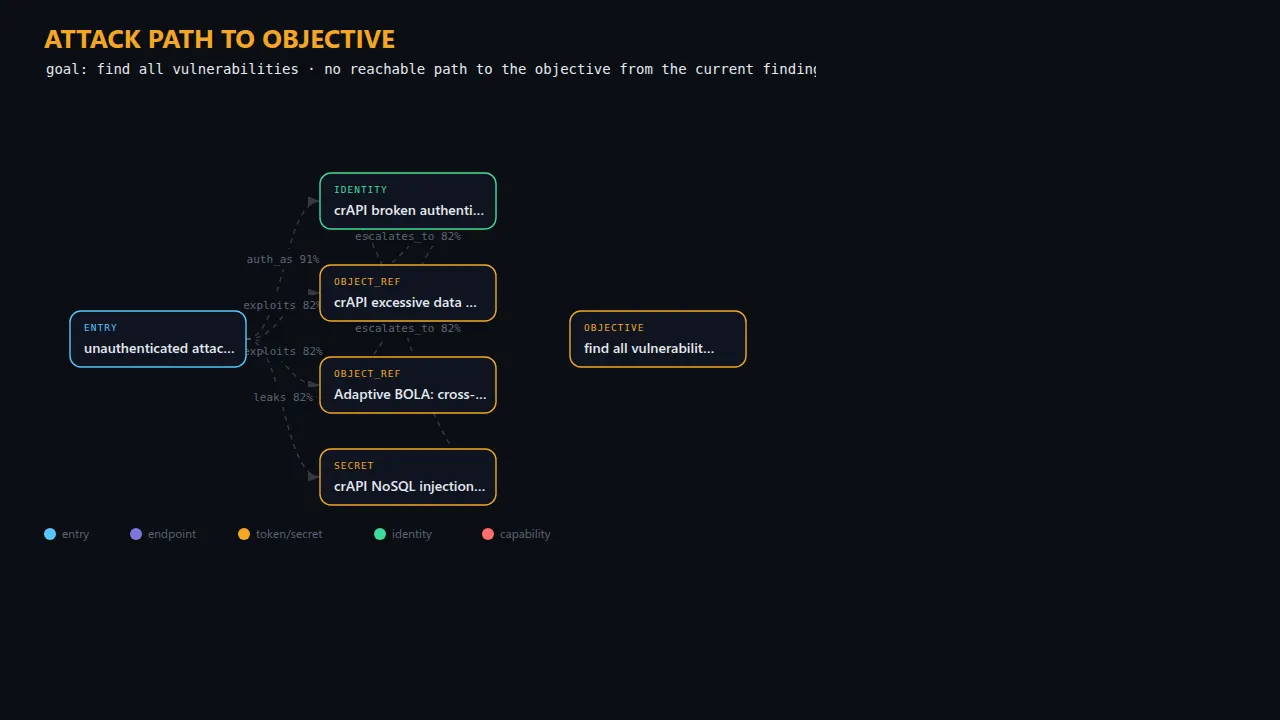
The main report follows a standard pentest report skeleton: Executive Summary → risk statistics table → individual findings (with CVSS vectors, reproduction steps, remediation advice) → Remediation Plan. My crAPI campaign results:
| Severity | Count | Details |
|---|---|---|
| Critical | 1 | JWT alg:none forgery, CVSS 9.1, arbitrary account takeover |
| High | 3 | BOLA 8.2 / NoSQL injection 8.2 / API logic flaw |
| PoC scripts | 4 | Python, directly runnable against the lab |
An honest caveat: nuclei was invoked during the campaign, but crAPI is a custom Next.js application with no public CVE templates to match against, so the report’s conclusions are identical to running without nuclei. CVE scanning is a tool capability, not the test point for this particular lab.
7. Toolchain Completion: 9 Go Tools + 5 Peripherals
pentestswarm install-tools installs the Go-family tools (subfinder, httpx, katana, nuclei, etc.) in one command, placing them in ~/.config/pentestswarm/tools/. Two things to watch for in practice:
Trap 7: Large repos like nuclei and gowitness tend to time out on go install. It’s faster to grab binaries directly from GitHub Releases:
| |
Same approach for trufflehog, gitleaks, gobuster, feroxbuster, and amass (note: the binaries in GitHub release tarballs are nested in a subdirectory — move them up one level after extracting). wafw00f and semgrep go through pip.
Once installed, add the tools directory to your PATH. When all 18 items in pentestswarm doctor are green, you won’t see “skipped nuclei — binary not found” degradation during campaigns anymore.
Closing Thoughts
PSAI currently carries an alpha label, and the swarm scheduler is still experimental. But for “give it an authorized target and let it dig end-to-end and produce a report,” it’s the most complete open-source solution I’ve tested — especially considering the chatter on X: the English-speaking community has started treating it as an open-source alternative to XBOW, and it genuinely earns that comparison.
My next step is wiring it into my Immunefi bounty recon chain. With the tool in place, the only remaining variable is: whose LLM wallet can survive the swarm’s 100k-token-per-round appetite.