
One remark puts a product back in the spotlight
On October 15, Alexander Embiricos, OpenAI’s head of enterprise products and lead of the agent dots, responded to a reporter’s question at TechCrunch Disrupt—when will AI actually give people more free time? His answer: as AI capabilities continue to improve, people can choose to work harder or hand off part of their work to AI. “We have more choices.”
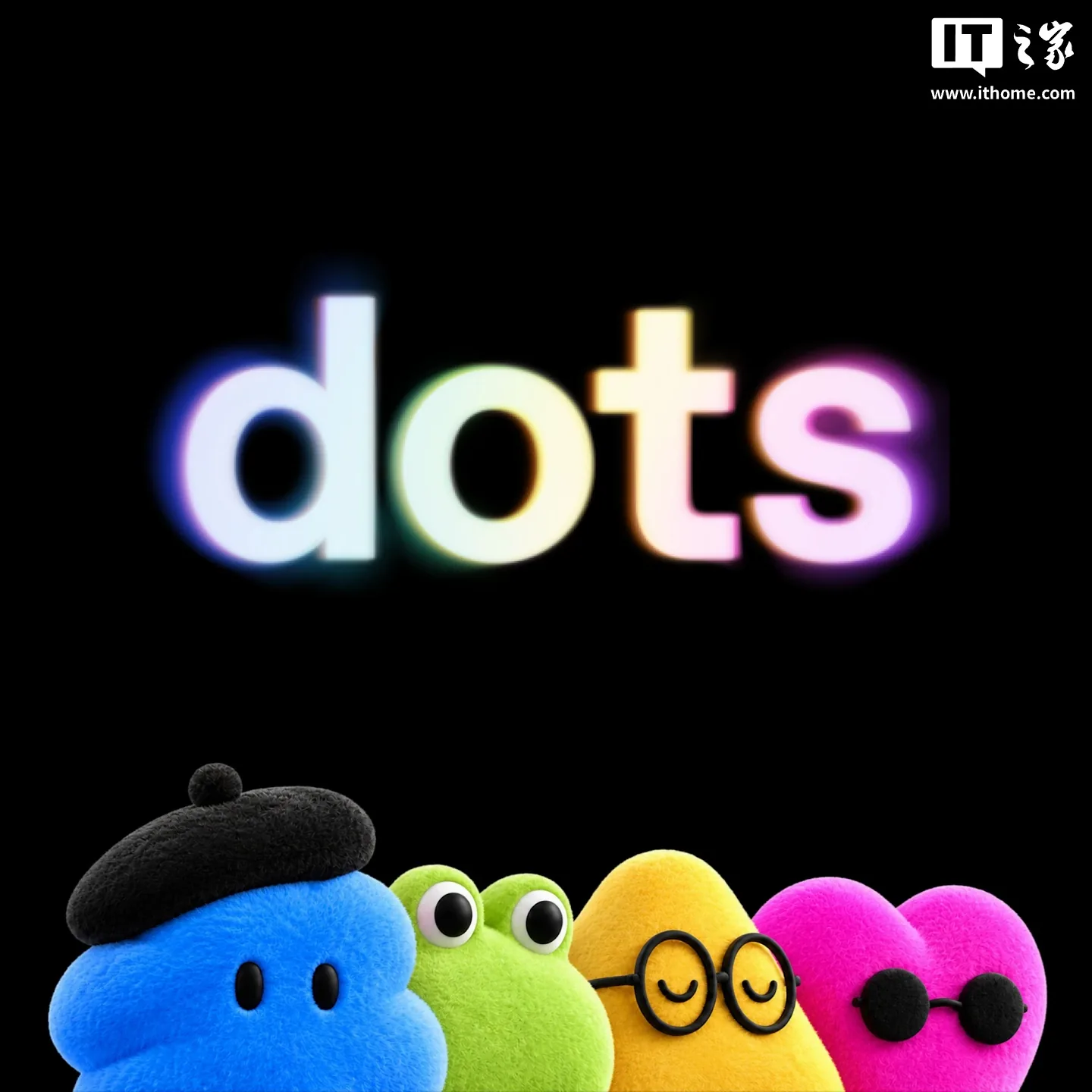
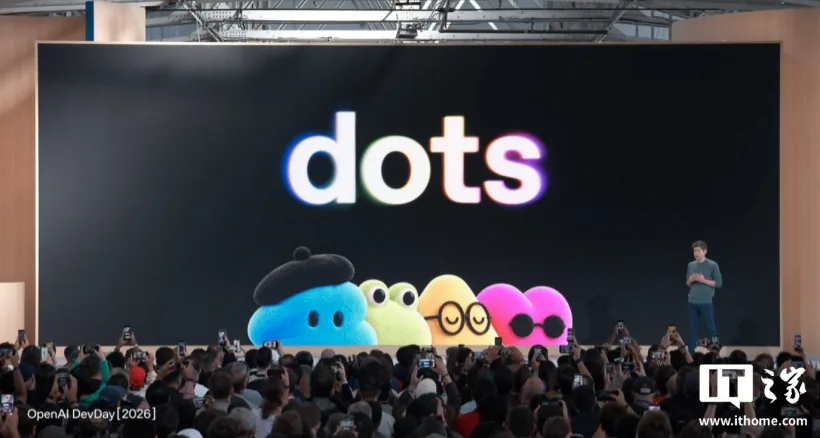
Behind that remark is dots, which OpenAI launched at DevDay 2026 on September 30. Here are the hard facts:
- Launch time: September 30, 2026 (1 a.m. Beijing time), OpenAI DevDay 2026
- Form factor: An always-on agent, available as four cartoon characters
- Underlying model: GPT-6 Astra; OpenAI did not mention open source or open weights
- Pricing: Pro and Business Premium plans include the first dot at no extra charge; in the future, users can pay a fixed monthly fee to add more dots or increase their working speed and workload capacity
- Availability: Rolling out starting today to Pro and Business Premium users in eligible markets; Enterprise users can try the beta after a workspace admin enables it
- Usage allowance: Plans include an allowance for deeper work, with higher limits in the first month after launch
What dots can do: book flights and take over projects
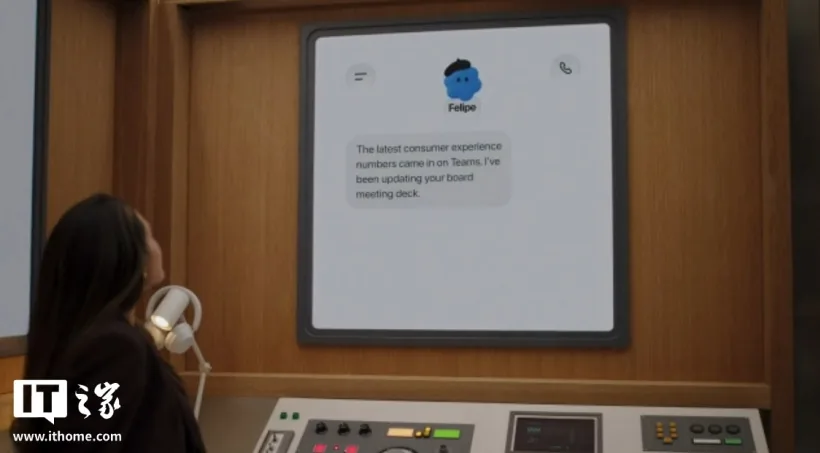
According to OpenAI, dots’ day-to-day scope is quite broad: planning agendas, designing websites, testing apps, editing notes, and also booking flights, scheduling dinner, and moving forward with home renovations that have long been put off. Over time, it learns a user’s work habits and where the user wants to focus attention—messages received overnight are sorted, and urgent items are sent to the user before the day begins.
One concept needs a one-sentence explanation here: an agent is an AI that can break down tasks on its own, call tools, and execute multiple steps in sequence—not just answer questions. What makes dots special is that each dot runs on a separate cloud computer and can take over a project and push it forward autonomously, even while working on several other projects at the same time; users can keep throwing new tasks at it without switching between conversations and guiding it step by step.
The entry points are not limited to ChatGPT itself: users can reach dots through ChatGPT, SMS, Slack, or Teams, and can even have a voice call when they need to think things through. OpenAI says it can work with more than 4,000 apps on the ChatGPT platform and, once connected to a device, can use the same plugins.
The contrast: it doesn’t promise to make you work less

Embiricos’s answer actually sidesteps the promise of “saving time.” He reframes the question as one of choice: AI will not automatically decide how your workload should be allocated; it simply makes both “working more” and “working less” possible. For workers who feel AI has made them busier, this is hardly comforting.
The second contrast lies in the usage rules: conversations with dots do not count against ChatGPT usage limits, but when users ask dots to start or manage tasks in Codex or “ChatGPT Work,” those tasks still count against usage limits as usual. Chatting is free; doing the work still incurs charges.
On security and control, OpenAI’s measures include: setting time limits for apps and computers, custom instructions for any action the agent takes, and having each dot work on an isolated cloud computer; for supported login methods, dots can use saved passwords without exposing them to the model. Even when the user is not directly collaborating with it, it can conduct “proactive research” in the background, but it can only use connected apps through permission-restricted tools, so it cannot send messages, modify app content, or control the browser or computer.
| User type | Availability | Cost |
|---|---|---|
| Pro / Business Premium | Rolling out in eligible markets | First dot included at no extra charge |
| Enterprise | Beta access after admin enablement | Not mentioned in source material |
| More dots / higher speed | Coming in the future | Fixed monthly fee; amount not disclosed |
Who should turn it on now, and who should wait
Who should use it now: users who already subscribe to Pro or Business Premium and already rely on ChatGPT for multitasking. Conversations with dots are separate from ChatGPT usage limits, so the cost of trial and error is low; the higher limits in the first month are ideal for figuring out where its boundaries lie.
Who should wait: teams that need to budget per seat—pricing for “adding more dots via monthly payment” has not been announced; and permission-sensitive enterprises, since Enterprise is currently only a beta. Before getting started, settle two things first: an app access allowlist and a list of actions that require prior approval—especially for background behaviors such as “proactive research,” which should be narrowed to read-only tools as much as possible.
Final thoughts
Embiricos’s remark makes one thing clear: AI will not decide for you whether to work less; it simply hands the choice back to you. But choice always comes with responsibility—how much you hand over, and which apps you hand it to, are rules you have to write yourself. dots turns this technical question into a management question.