
Lynx of Order|Deep Dive into GitHub: OpenAI Codex|A Local-Running Programming Agent
Today, OpenAI’s official Codex repository crossed 116,000 stars on GitHub and landed on the Trending list. This lightweight programming agent no longer lives in the cloud—it runs directly in your terminal. It retains OpenAI’s intelligent coding capabilities while handing control back to developers. Notably, this isn’t the rumored “cloud agent”—it’s a true local CLI tool, signaling that AI coding tools are moving from “ready-to-use” toward a new era of “controllable and trustworthy.”
Core Features: A Smart Programming Assistant That Runs Locally
Codex CLI’s core positioning is a locally running smart programming assistant. It doesn’t depend on a browser or complex IDE integration—it talks to you directly in the terminal, understands context, and generates code. Unlike the cloud version (Codex Web), running locally means:
- Code never passes through third-party servers—more secure for sensitive projects
- Works offline with cached capabilities (in some modes)
- Git integration support, automatically reading the current repository context
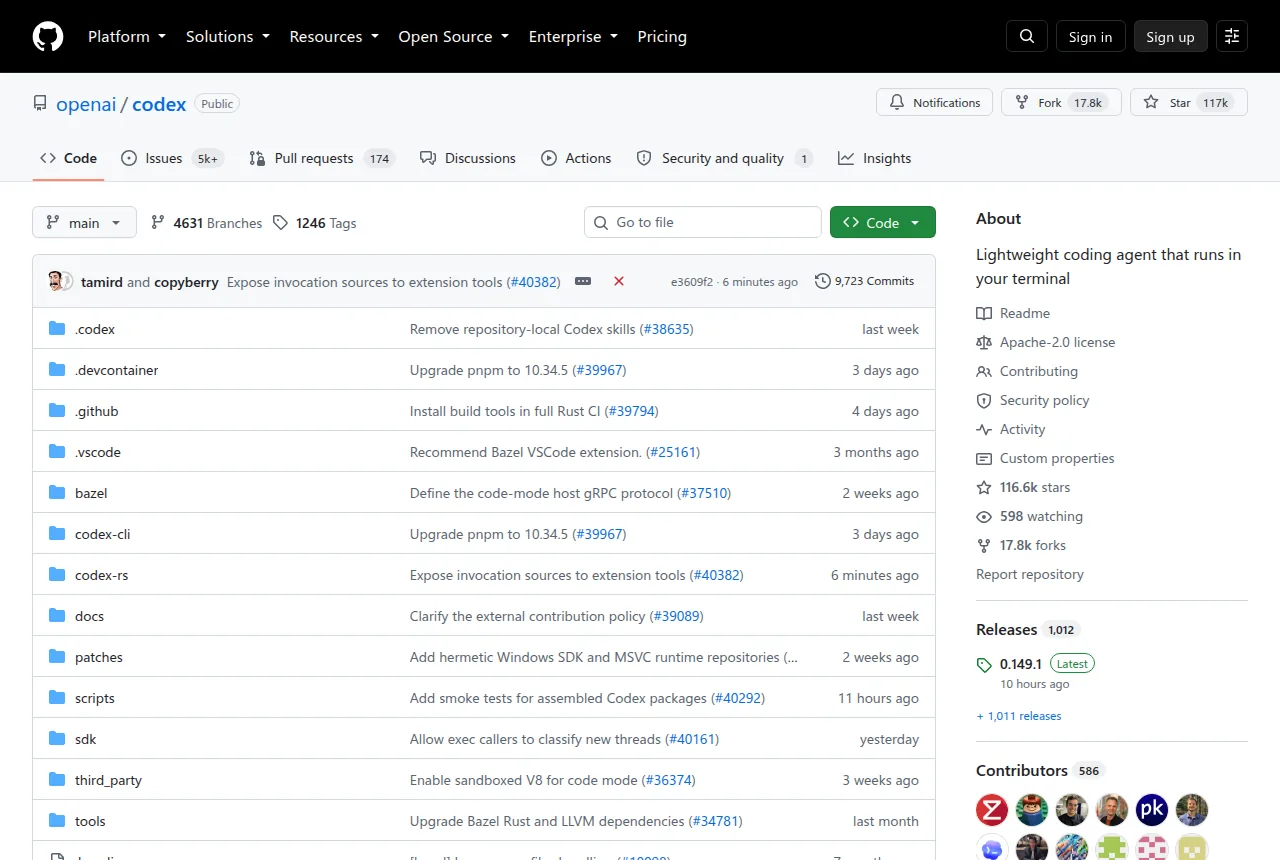
The official documentation clearly delineates three usage paths:
- CLI Version: The focus of this article—run the
codexcommand inside your terminal - IDE Version: Embedded within editors like VS Code, Cursor, and Windsurf
- App Version: Run
codex appto launch the desktop application interface
This layered design lets developers in different scenarios pick what suits them best.
Getting Started: Launch Your First AI Pair Programmer in 30 Seconds
Installation is remarkably straightforward:
| |
Or through a package manager:
| |
After installation, simply run codex. On first launch, you’ll be guided to choose:
- Sign in with ChatGPT: Log in with a Plus/Pro/Business/Edu/Enterprise account
- API Key: Advanced users can supply a custom key
Then you’re ready to start chatting:
| |
The agent automatically analyzes the current workspace, combining Git history and local file context to generate its answer.
Technical Highlights and Design Trade-offs
Deep Git Workflow Integration
Codex’s most standout feature is its native understanding of Git. It automatically reads the .git directory, analyzes change history and file relationships on the current branch, and can even grasp why a particular file has been modified frequently recently. This means:
- No need to manually paste code when asking questions—
codex> Explain the Auth module in this PR - Generated code automatically adapts to the project’s existing style and constraints
Two-Layer Reasoning Architecture
The project employs a hybrid model of a lightweight frontend paired with remote inference:
- Frontend: A Rust-written CLI responsible for interaction, file scanning, and context packaging
- Backend: OpenAI’s cloud model (or a private deployment gateway) performing the actual code generation
This design keeps the terminal lightweight while preserving the upper bound of large-model intelligence.
Security-First Default Configuration
An often-overlooked value on cold start: Codex does not auto-commit code by default. All generated output requires user confirmation via /run or /commit before being written to disk. This design intentionally introduces “friction” to prevent AI mishaps from corrupting your local workspace.
Who Is This For?
- Privacy-conscious developers: The local-start, remote-inference model gives you large-model capabilities while minimizing exposure of sensitive code
- Terminal enthusiasts: Users who don’t want to install heavy plugins in their editor and prefer a zsh/fish + vim/neovim setup
- Multi-platform developers: Supports macOS/Linux/Windows—no need to sync IDE plugin configurations across teams
- Enterprise environment users: Supports API Key mode and can connect to privately deployed OpenAI gateways
Comparison with Similar Products
Differences from existing AI coding tools:
- vs. GitHub Copilot: Copilot is tightly coupled to the VS Code ecosystem, while Codex works in any terminal; Copilot focuses on line-level autocomplete, while Codex is a full Agent-style interaction
- vs. Tabnine: Tabnine emphasizes local small-model real-time completion, while Codex relies on cloud inference but delivers stronger comprehension
- vs. Cursor IDE: Cursor is a browser-embedded environment, while Codex stays a lean, pure CLI; the two are complementary rather than mutually exclusive
Final Thoughts
Codex’s open-sourcing sends a clear signal: OpenAI acknowledges that “localization” and “controllability” have become key dimensions in developers’ tool selection. It doesn’t seek to replace existing tools, but rather provides an interoperable terminal interface layer—perhaps this modest posture is its true ambition.
When you run codex --help and see that concise list of commands, the restrained elegance of it all is itself a declaration: AI programming tools are returning to their essential nature.