
Key Event
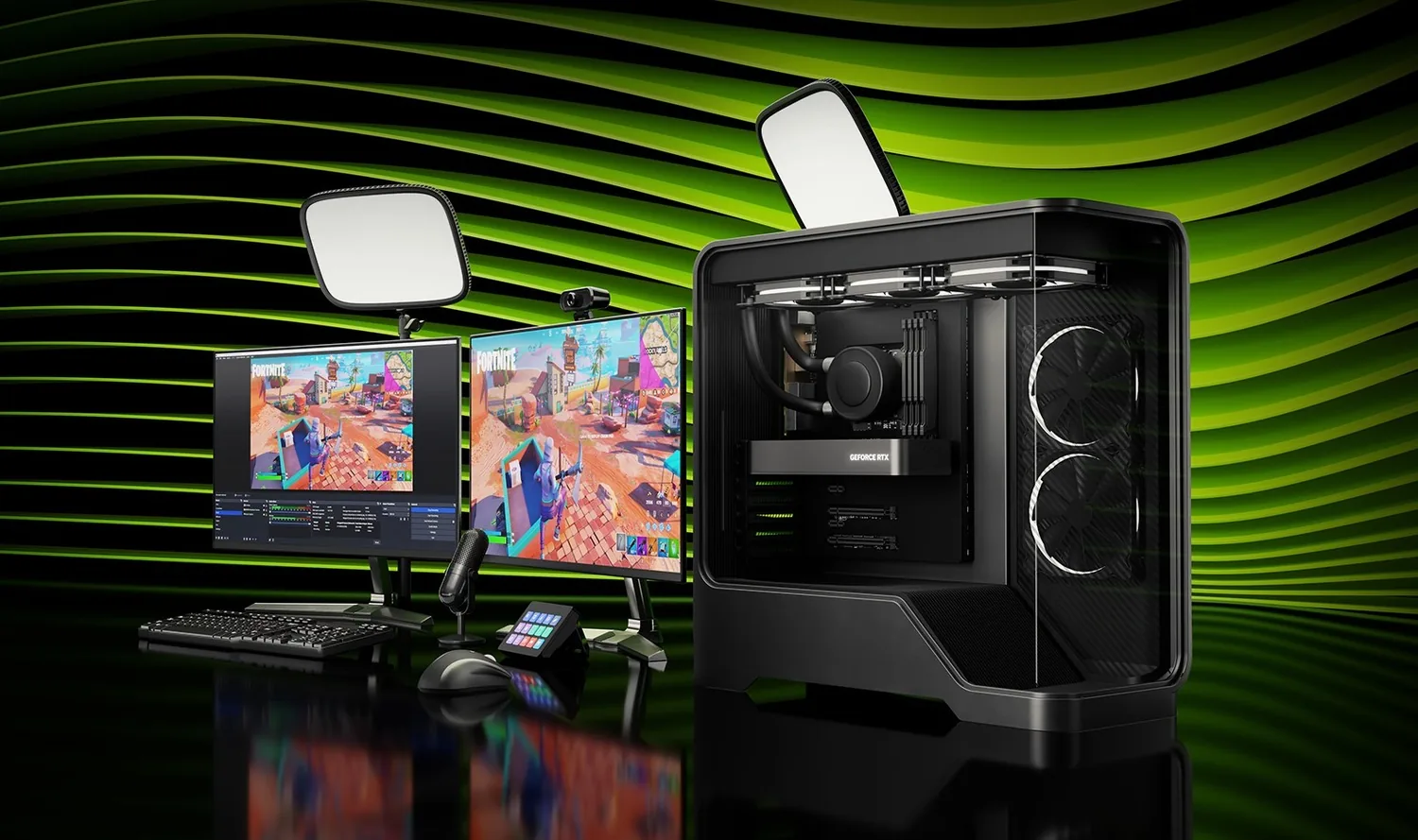
NVIDIA recently released NVIDIA Broadcast 2.3.0, an AI audio/video enhancement app that both paves the way for the upcoming RTX Spark devices and introduces two generative AI effects—video super resolution and frame generation—in beta. The hard facts are as follows:
- Version: 2.3.0
- Timing: Reported by ITHome on October 15; NVIDIA described the rollout as “recent,” and the original article did not give a specific date
- Price: Not mentioned in this information; whether it will still be available free with RTX graphics cards is unknown
- Availability: RTX Video Super Resolution and Frame Generation are both in beta; no official availability date has been announced
- Hardware support: Added compatibility with RTX Spark devices, laying the groundwork for the new product launch
- Openness: No mention of opening model weights or APIs, but it adds the ability to connect to AI agents via MCP Server
What’s in the Update List?
Beyond those two, 2.3.0 also includes three changes that are easy to overlook:
- Effects can be applied to “local media files”—that is, directly processing existing local files, not just real-time video;
- Studio Voice adds four professionally tuned microphone profiles, which users can apply directly based on their microphone model or use case;
- The first-time onboarding has been updated with introductions to file processing and AI agents, effectively writing the new features into the onboarding flow.
A quick one-sentence explanation for a few terms: Video Super Resolution uses AI to upscale low-resolution footage to a higher resolution; Frame Generation inserts intermediate frames between existing frames to make motion look smoother; MCP Server stands for Model Context Protocol server, and its purpose is to let external AI agents call local capabilities through a unified interface; Studio Voice is Broadcast’s microphone noise-reduction and tuning module.
A Contrast: From “Real-Time” to “Offline”
Broadcast has always positioned itself as a real-time tool—camera, microphone, and speakers sit in the call or livestream chain and are processed as you broadcast. 2.3.0 lets supported effects be applied directly to local media files, which shows that it is beginning to extend into offline post-processing: record first, edit later, then publish.
Another contrast is the pace: the two most talked-about AI effects (super resolution and frame generation) are only being offered in beta, and NVIDIA has not promised that they are stable enough for use. For a free tool that markets itself as “ready to use out of the box,” this is a fairly restrained stance, and it also means regular users won’t get a complete, out-of-the-box experience in the short term.
Who Should Use It, and Who Should Wait
Upgrade now if: you’re an RTX user already using Broadcast for livestreaming, screen recording, or podcasts. Microphone profiles and local file processing are low-risk gains, so upgrading won’t hurt; if your footage isn’t critical and you like trying new things, you can test the beta super resolution and frame generation.
Wait if: you’re a professional livestreamer or podcaster who relies on Broadcast for your livelihood. The stability of beta features hasn’t been proven, so don’t put them into critical workflows. Those drawn to RTX Spark should also be clear: this update only adds software-side compatibility; it doesn’t mean the whole device’s features are ready. If you want AI agent integration, first check whether your toolchain supports MCP.
Final Thoughts
This update feels more like “paving the way”: adding compatibility for new hardware, building anticipation for two major AI effects, and pushing Broadcast from real-time filters toward file post-processing. The beta label shows that NVIDIA itself doesn’t intend for super resolution and frame generation to take on production tasks right away. Note that the public information this time is only a brief overview; pricing, official availability timing, and the range of supported graphics card models were not disclosed.