
凌序之心Lynx | GitHub Deep Dive: Skills | The Cure for Rigid Engineer Thinking
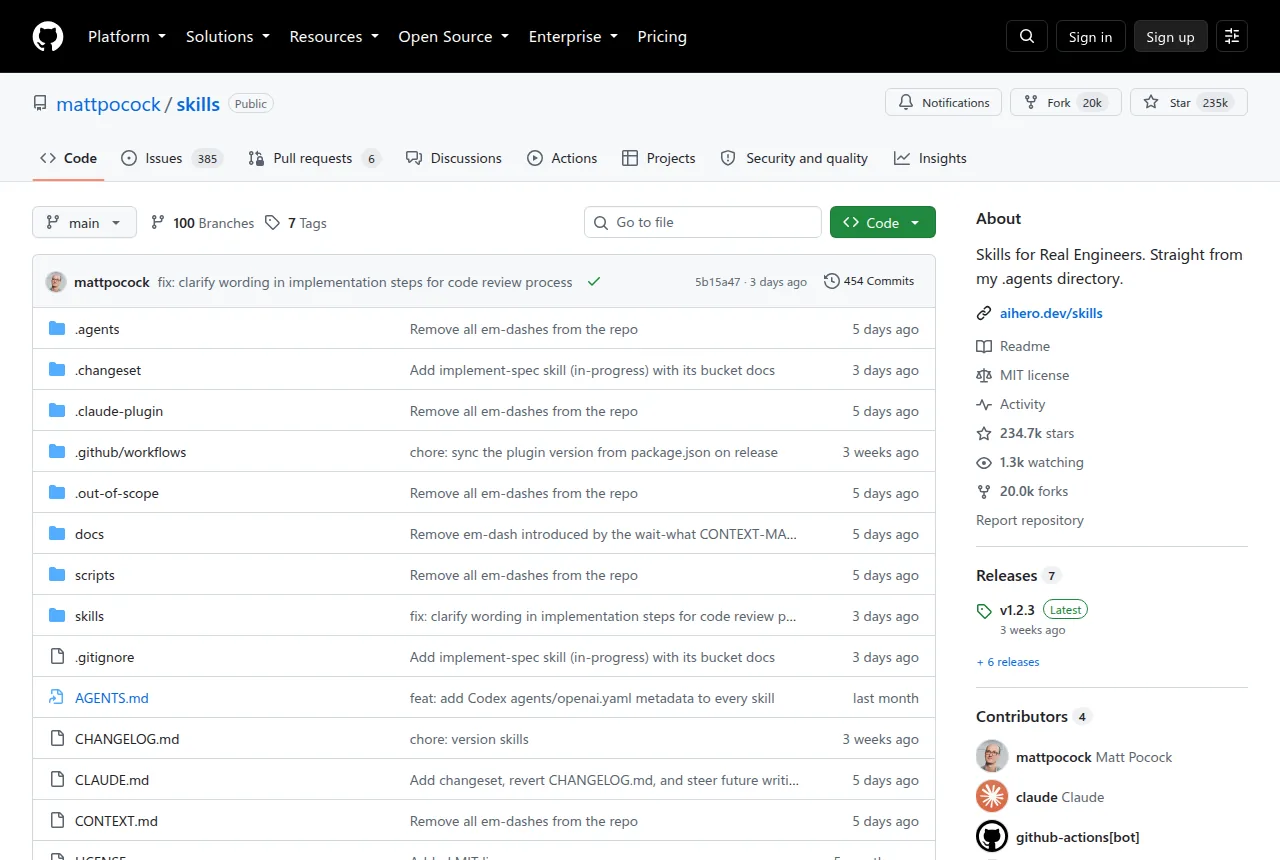
A project caught everyone’s eye on GitHub Trending today—mattpocock/skills, racking up over 20,000 stars in just a few days. This isn’t another code generation tool, but a systematic solution to “why does AI programming always go off the rails?” Drawing on his extensive hands-on experience, author Matt Pocock turns four common pain points in AI collaboration into reusable conversation templates—for engineers who don’t want AI to dictate the process but struggle to articulate their own requirements, there’s finally something to grab hold of.
Four Ailments, Four Prescriptions
Matt dissects the common failure modes of AI programming one by one, each paired with a dedicated skill template:
Ailment 1: I didn’t explain clearly, and AI got lost. Engineers often fall into the illusion of “I think it gets it,” when the actual requirements and deliverables are worlds apart. The solution is
/grill-with-docs, which uses continuous questioning to refine vague requirements into documentation.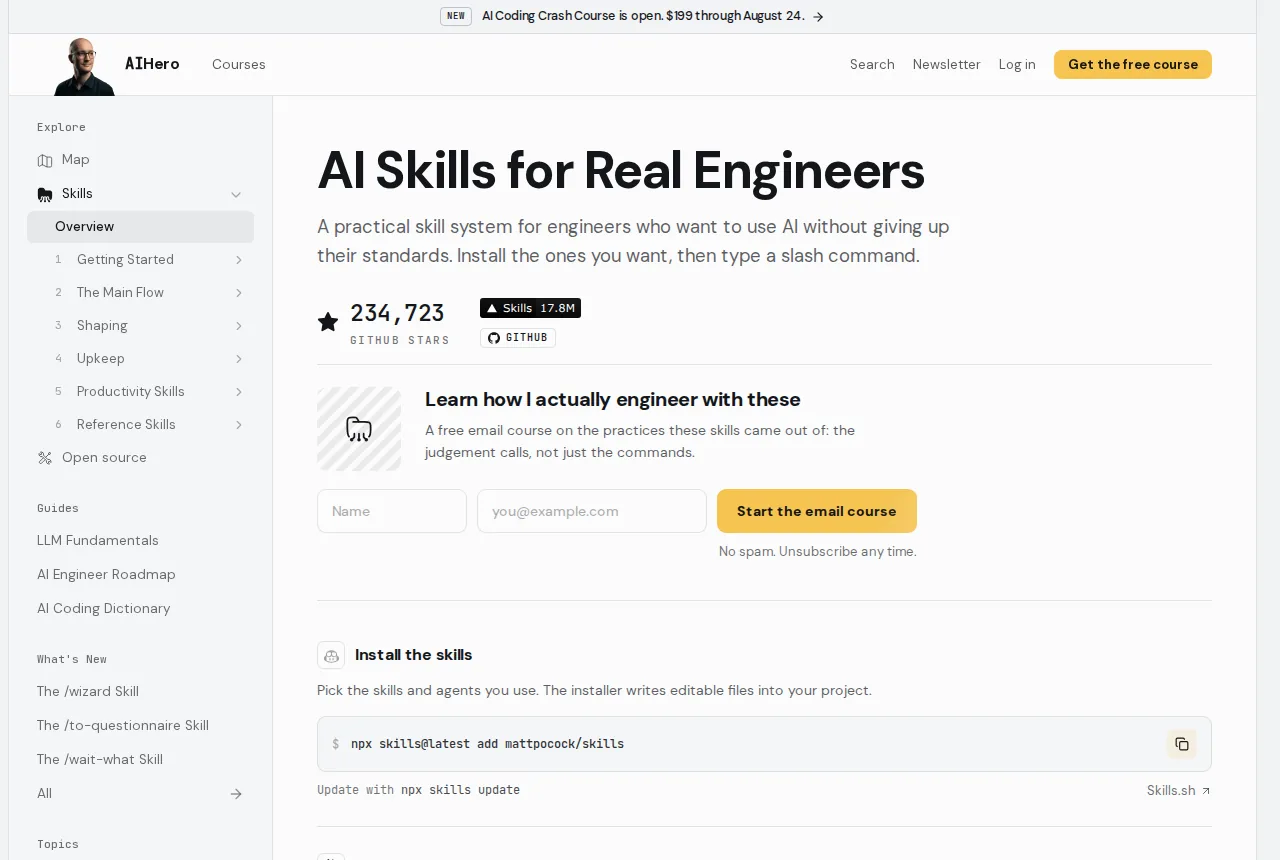
Ailment 2: AI is too verbose and misses the point. When facing an unfamiliar project, AI often uses twenty words to explain a concept that could be stated in one sentence. Matt introduces the concept of a “shared language,” using ADR documents to establish an internal terminology system for the project.
Ailment 3: The code it writes doesn’t run. AI often generates syntactically correct garbage. The
/tddskill enforces a red-green-refactor loop: first write a failing test, then have AI fix it. This “seek failure first, then correctness” approach actually yields stable feedback.Ailment 4: Projects become messier the more they pile up. While AI accelerates coding, it also accelerates code entropy.
/improve-codebase-architectureproactively scans the codebase, identifies nodes where the design can be deepened, and embeds architectural awareness into the development process.
Up and Running in 30 Seconds: Three Steps
Installation is extremely lightweight, with two mainstream paths to choose from:
- Claude Code users: run
claude plugins install mattpocock-skills, install directly from the plugin marketplace, and future updates sync automatically. - Other agents or local environments: run
npx skills@latest add mattpocock/skills, and the skills will land in your project directory as ordinary files.
After installation, run /setup-matt-pocock-skills once in your agent. Follow the prompts to choose your issue tracker (GitHub / Linear / local files), define your label system, and confirm where docs are stored to enable it. After that, each skill can be invoked as an independent command.
Core command list:
| |
These skills don’t depend on a specific model—you can plug in Claude, GPT, or anything else. They are essentially carefully designed prompts (interactive workflows) that spell out the scenario, constraints, and success criteria.
Design Philosophy: A Doctrine of Restraint
Skills’ real brilliance lies in how it injects complex engineering thinking in a minimalist way. Matt doesn’t try to build a black-box automation tool; instead, he deliberately preserves human decision-making power:
- Editable: After local installation, all skill files are ordinary files in your repo. You can modify, extend, and merge them without being hijacked by “silent updates.”
- Composable: Each skill module is broken down finely, like building blocks that can be combined as needed. For example, first use
/grill-with-docsto clarify requirements, then follow with/tddfor test-driven development. - Portable: It isn’t tied to a specific framework or language. A Shell-based implementation ensures it runs anywhere, from legacy Rails to emerging frontend projects.
It’s worth noting that Skills makes “human confirmation” a hard gate in the process. For example, /tdd won’t directly generate code for you; it first asks you to review whether the test case design is adequate. /diagnosing-bugs requires you to confirm the problem reproduction path before moving into root cause analysis. This design avoids the “over-automation” risk of many current AI programming tools—AI can assist thinking, but the trigger for decisions must stay in human hands.
Who It’s For
- Engineers who have tried AI programming but often feel it “didn’t really help”
- Teams that need to onboard junior members and want a unified collaboration protocol
- Projects entering maintenance mode where you want to prevent architecture from continuously deteriorating
- Pragmatists who don’t trust fully automated tools and emphasize controllability
Comparison with similar tools:
- Unlike full-lifecycle frameworks such as GSD/BMAD: Skills doesn’t try to take over the development process. It only provides thinking scaffolding at key nodes; you still control all code decisions.
- Unlike ordinary prompt libraries: What it produces is interactive dialogue patterns, not static templates.
/grill-with-docsasks dynamic follow-up questions, and/tddadjusts its guidance strategy based on test failure status. - Unlike code generation plugins: It doesn’t emphasize generation speed. Instead, it restrainedly limits the scope of each change, in line with the “small steps, fast iterations” engineering principle.
The most fascinating thing about Skills is that it makes explicit the hidden costs consumed in AI collaboration—communication costs, misunderstanding costs, and rework costs. If you’ve ever looked at AI-generated code and smiled bitterly, thinking “this isn’t what I wanted,” then the mindset this skill set offers is more valuable than any specific code snippet.
Tools will evolve, but once a thinking pattern is formed, it can keep replenishing you throughout the AI era.