
Lovart 2.0 and Arti: the core update

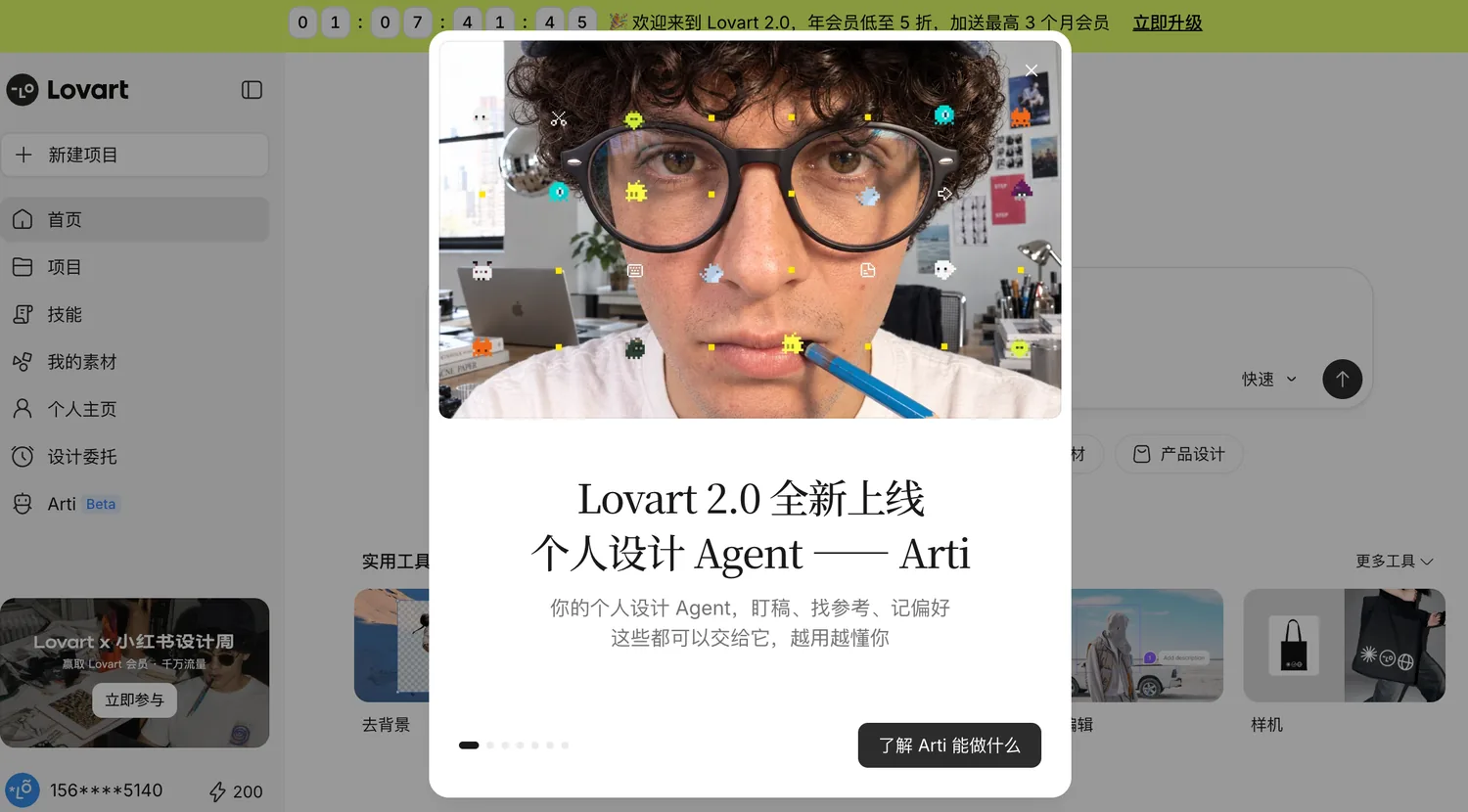
On October 19, Lovart released version 2.0 and introduced Arti, a personal design agent. The company says Arti can actively take part in the design process, remember and digest a user’s design habits and aesthetics, and carry those preferences into later workflows.
Hard facts:
- Release date: October 19; version: Lovart 2.0.
- New feature: personal design agent Arti, with always-on availability, memory and proactive canvas checks.
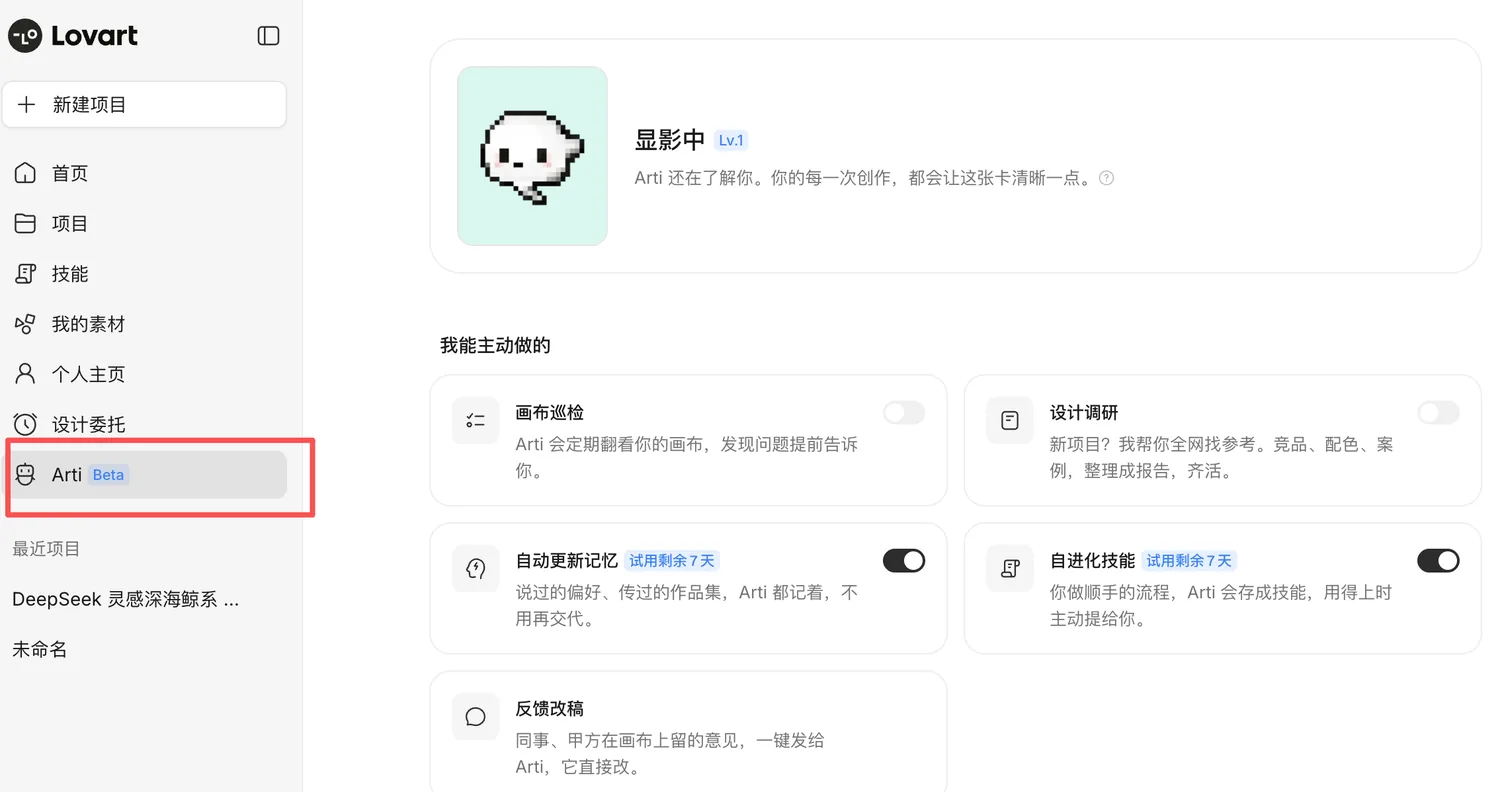
- Access: after logging into Lovart, Arti appears in the left menu. First-time setup asks questions such as preferred name and design style, then Arti enters a ‘developing’ state and can change form based on answers and later creation.
- Availability: Arti is always online and can create scheduled tasks in a design commission page, such as tracking recent design images, offering visual inspiration, or preparing assets before marketing moments.
- Paid gate: tapping Arti to trigger canvas inspection and design research requires an upgraded membership.
- Model weights/API: not mentioned in the source material.
An agent here means a system that can break down tasks, use tools and keep context, rather than only answering a single prompt. For design, that shifts the tool from one-off image generation toward ongoing project participation.
Memory, always-on tasks and proactive skills
Arti’s abilities are split into two proactive skills—canvas inspection and design research—and three passive skills: automatic memory updates, self-evolving skills and feedback-based revisions.
Arti’s memory is meant to be more than session memory: it turns workflows into reusable skills and combines them with a long-term memory system, aiming to become more useful over time. In the design commission page, users can set scheduled tasks. Unlike the traditional prompt-to-asset model, scheduled tasks fit the personal assistant role, providing material before a marketing moment instead of waiting for a fresh prompt each time.
Collaboration is another piece. The author and others can comment on assets on the canvas, and the author can revise based on comments. That keeps feedback from colleagues, managers or clients next to the asset rather than in scattered chat threads.
Hands-on test: a DeepSeek whale boy
Zhidx tested Arti with a concrete task: designing a new anime-style character for DeepSeek. Earlier, when DeepSeek Harness was released, users created a well-received whale girl anime character for DeepSeek. The test asked: if there is a whale girl, why not a whale boy? The prompt asked Arti to reference the whale girl, create a deep-sea whale male anime character, keep the anthropomorphic whale traits, and make him cool, smart, mysterious and infused with AI-tech atmosphere.
The unexpected part: Arti quickly produced a whale boy that broadly matched the prompt—cool, mysterious and with whale elements intact—but the first version had half a finger glitch on the left hand. This shows design agents still need human checks on details.
The tester then asked for Q-version art, cute enough for avatars, stickers or agent app skins. Arti first asked about image count, expressions and background preferences, then quickly created four transparent Q-version illustrations. The quality looked good, and there was no glitch.
The research feature also joined the workflow. After being enabled, Arti searched online based on existing information and generated a research report covering design direction, aspect ratios and other professional design points. The report and its internal information could be inserted into the conversation. After that, Arti recreated a concept image that followed the report’s design concept, compressing the body while keeping core symbols. However, Arti’s canvas inspection questioned the new image, saying it had lost the core whale element. After clicking revise, Arti adjusted and added back the removed whale elements.
During this flow, Arti showed a loop of proactive inspection, raising opinions and revising based on feedback. It also turns creative processes into skills for later reuse.
Who should try it, who should wait

Try it if you often produce serialized visuals and need repeated revisions across a design or content team. Arti’s memory, research and canvas inspection may reduce the cost of re-entering prompts, especially when design style, marketing moments and asset needs need to accumulate.
Wait if you only generate single images occasionally, or if you need extremely stable image details. Canvas inspection and research require an upgraded membership. The first whale-boy version had a finger glitch, so human review is still needed before final delivery. The source does not provide a specific membership price or say whether API or model weights are open, so teams should confirm with the company before adopting it.
Final thoughts
AI image generation has long depended on precise prompts, and even regular users must re-enter them each time. Arti’s Personal Agent approach aims to lower input cost and usage barriers through assistant-style memory and proactive workflows. Whether design tools become increasingly useful assistants rather than one-off generators is worth watching.