What Lovart 2.0 actually announced
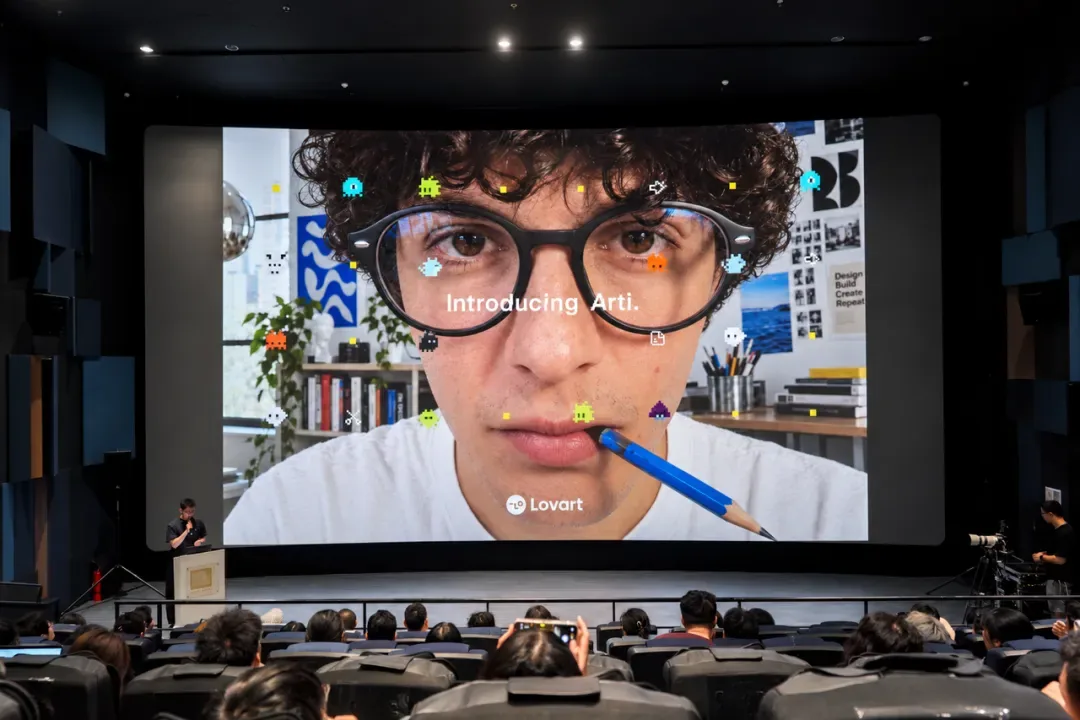
Lovart 2.0 has introduced Arti, described in the source article as the world’s first personal design agent. The pitch is broader than one-shot image generation: Arti is meant to take on a design job from research and references through output and revision.
- Version and product: Lovart 2.0, with Arti as the central addition.
- Positioning: a personal design agent built around memory, proactivity and reusable workflows.
- Timing: the article is dated 2026/10/20; no formal launch date for Arti is given.
- Pricing and access: the source does not disclose pricing or whether model weights will be opened.
- User base: the article says tens of millions of professional creators have used Lovart; Lovart 1.0 entered designer communities in 2025 as the first design agent.
A Personal Agent, in plain terms, is an AI assistant that remembers individual preferences and takes initiative on tasks. A Skill here means a reusable workflow template that can be called up for similar jobs.
Memory comes before generation

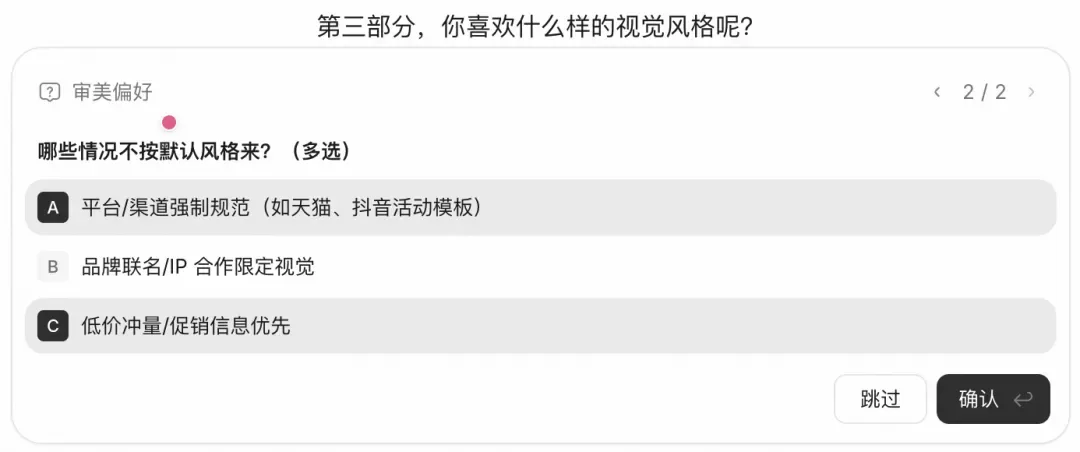
Arti’s first step is not a prompt box but a memory setup. It asks for the user’s field, such as e-commerce, marketing or content creation, and whether the user is a client-side designer, an agency designer or an independent contractor. Different roles imply different collaboration patterns. It then asks about aesthetic preferences, including a notably practical question: which situations should not follow the default style? The source cites platform requirements and partner constraints as examples. That is closer to real design work than simply picking a visual style.
Users can also upload previous design files, documents and posters as common assets, or add projects made in Arti or Lovart. The article says every successful or failed creation helps Arti evolve. In other words, memory is not a one-time questionnaire; it becomes the context for later output.
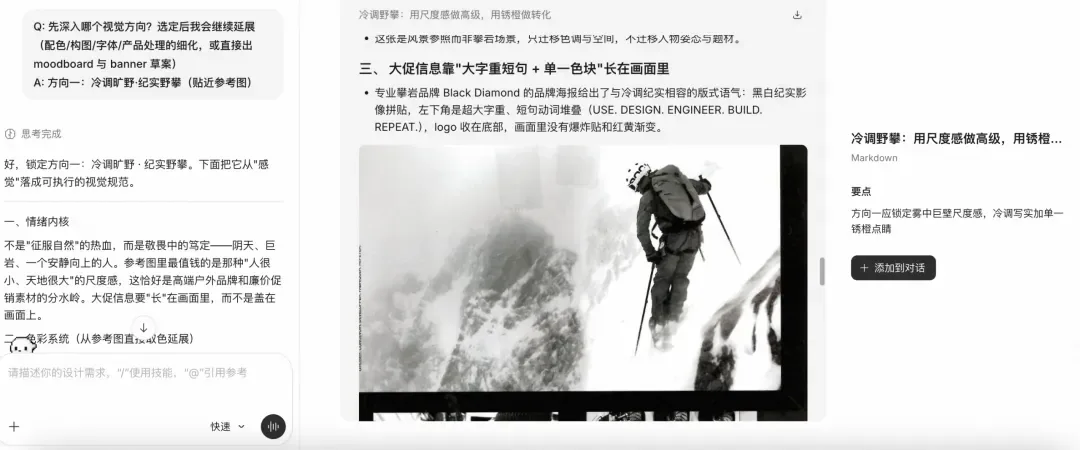
Arti also takes on early-stage research. In one example for a climbing-brand e-commerce campaign, it analyzed the main visual’s core imagery, proportions, color choices and text treatment, and found a Black Diamond brand poster as a reference. The research can be moved directly into the project conversation.
During design work, Arti checks style consistency and specifications at the canvas level. The article describes a case where an e-commerce homepage banner should be 3:1; Arti spotted one poster with the wrong ratio and offered a one-click resize. It also handles multi-round feedback: others can comment on the canvas, and Arti summarizes those comments, interprets them and proposes changes. Repeated operations are turned into Skills, listed under a personal page called what I have learned and editable in skill management.
The most interesting contrast is this: Lovart 2.0’s selling point is not merely stronger generation, but letting the designer step away from the canvas. That comes through design commissions: users enter instructions and references, set execution time and frequency, and let Arti handle batch generation, repetitive processing or multiple tasks. The article notes that commissions consume credits, so users set a credit cap when creating one. Execution offers Fast, Balanced and Expert modes.
| Mode | Capability as described in the source | Intended use |
|---|---|---|
| Fast | Can handle copy inspiration and creation outside images and video | Marketing copy inspiration |
| Balanced | More balanced between quality and speed | Batch product-image layouts across scenarios, batch output around an IP character |
| Expert | Image and video generation up to 4K, with complex planning | Fine-grained core design assets for creative teams |
The article also uses a Double 11 scenario: 42 SKUs, each needing four formats, for 168 images in total. The suggested commission would run four SKUs at 10 p.m. for confirmation, then let Arti work overnight. This is an article example, not customer data released by the company. The commission page offers 16 domain templates to lower the prompt-writing barrier.
Who should try it, and who should wait
Good early users: designers or small teams with stable brand assets, past work and specification documents, especially those who repeatedly produce multi-size, multi-SKU materials. Start by feeding Arti common assets, prohibited styles and size requirements, then use design commissions for low-risk batch work. Set a credit cap and check a small batch first.
Better to wait: people who only need an occasional image, have low demands on style consistency, or do not want to invest time in initial memory setup. Another practical factor is that the source gives no pricing, formal launch date or weight-access details. Teams with tight budgets or procurement rules should wait for public details.
Final word
The competition in design agents is shifting from whether a single image looks good to whether the system can remember the user, take initiative and close the workflow loop. Arti puts who you are at the starting point, which suggests personalization is meant to be a production parameter, not a skin. The real test will be the reliability of long-term memory and commission execution, not one impressive demo image.