
Core Event: Game Mode Nears Launch
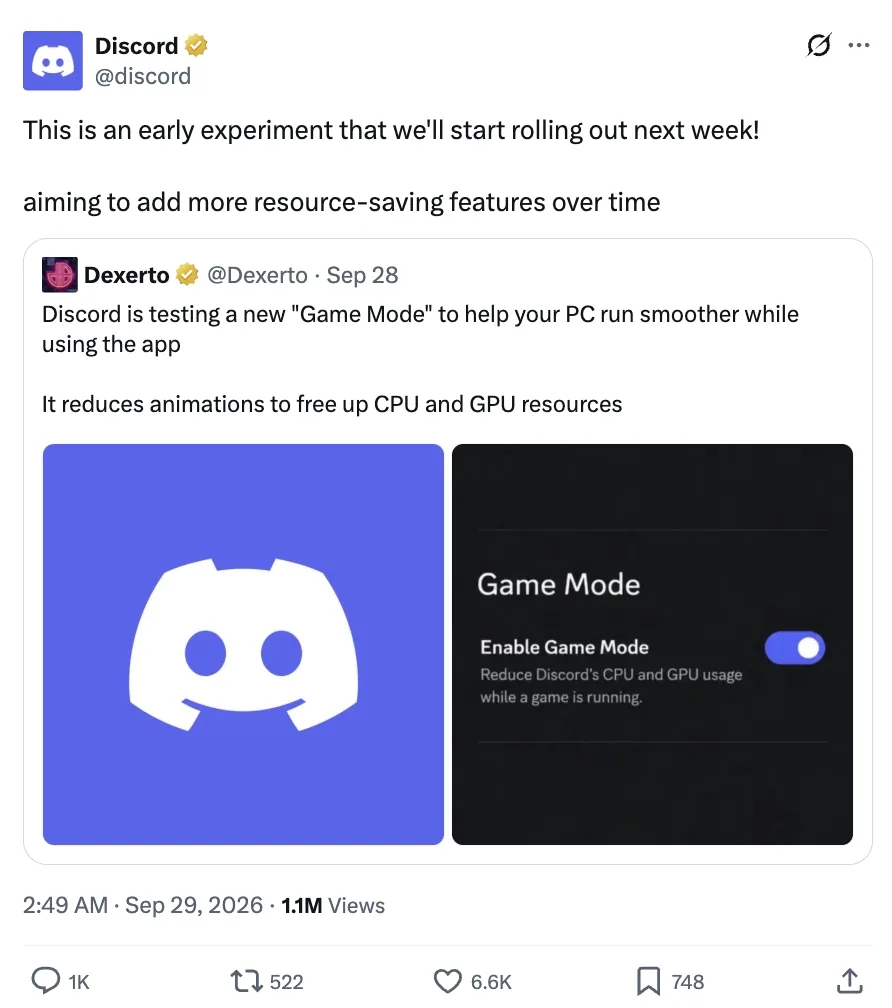
Discord is developing a brand-new “Game Mode” feature for its app, currently in the testing phase. According to official and beta app page information, the feature is expected to officially ship with an app update in a future version, with no additional cost to users. While there is no specific launch date or public testing timeline yet, the relevant settings have already surfaced in the beta interface.
Key details at a glance:
- Feature name: Game Mode
- Core capability: Automatically reduces CPU and GPU usage when a game is detected running
- Settings entry: Users can find an “Enable Game Mode” option in Discord settings
- Testing status: The feature has been spotted in the beta app, indicating it is well into development
- Supported platforms: Pertains to the Discord desktop app (web and mobile not explicitly mentioned)
Feature Details: The Implementation Path for Resource Optimization
The core logic behind Game Mode is proactive monitoring and response: when Discord detects that the user is running a game, it automatically triggers a series of load-reduction measures. These measures include:
- Reduced UI animations: Lowering or disabling the frame rate of interface dynamic effects
- Visual effects deactivation: Disabling non-essential graphical effects (e.g., hover animations, transition effects)
- Real-time resource scheduling: Adjusting background process priorities to reduce resource contention with the foreground game
It’s worth noting that Discord already offers a “Reduce Motion” setting that manually disables interface animations and hover visual effects. Game Mode essentially elevates this kind of optimization from a manual toggle to an automatic trigger mechanism — users no longer need to repeatedly check relevant settings before every game launch, which is especially beneficial for players on lower-end hardware.
A notable contrast: many users previously had to quit Discord entirely to safeguard game performance, whereas the new feature allows them to stay connected in the background at a far lower resource cost, balancing social communication with gaming experience. This stands in contrast to some competing communication software that can easily consume 10% or more of CPU, underscoring the practical value of Discord’s optimization effort.
User Controllability and Usage Recommendations
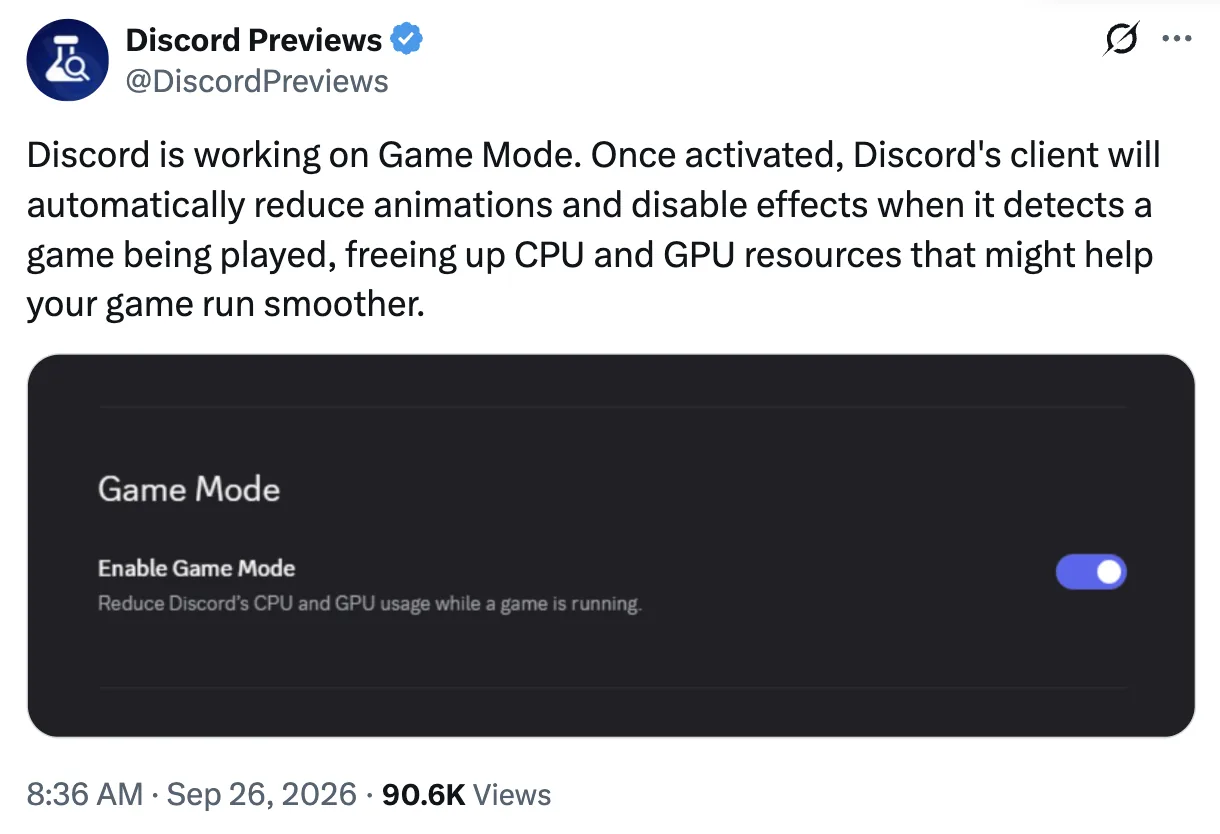
Although the feature is designed around “automation,” users can still decide whether to enable it upfront:
- For early adopters: Users with mid-to-low-end desktops or laptops who frequently play AAA titles or competitive online games; players who rely on voice chat while demanding high graphical fidelity and frame rates will be among the first to benefit
- For those who should wait: If your current Discord version is already highly stable and game performance is not an issue, consider waiting for the stable release to verify long-term reliability before enabling it; the feature has not yet appeared in the stable channel and is not currently available to enable
Final Thoughts
As gaming and social platforms become increasingly intertwined, the impact of background communication tools on game frame rates has emerged as an industry pain point. By building automated resource scheduling into its core workflow, Discord represents a meaningful step in the evolution of communication apps — from “functional” to “effortless.” Technology should not only deliver features, but also understand the context and priorities of each moment.