
DeepSeek Harness v0.2 Preview Now Available
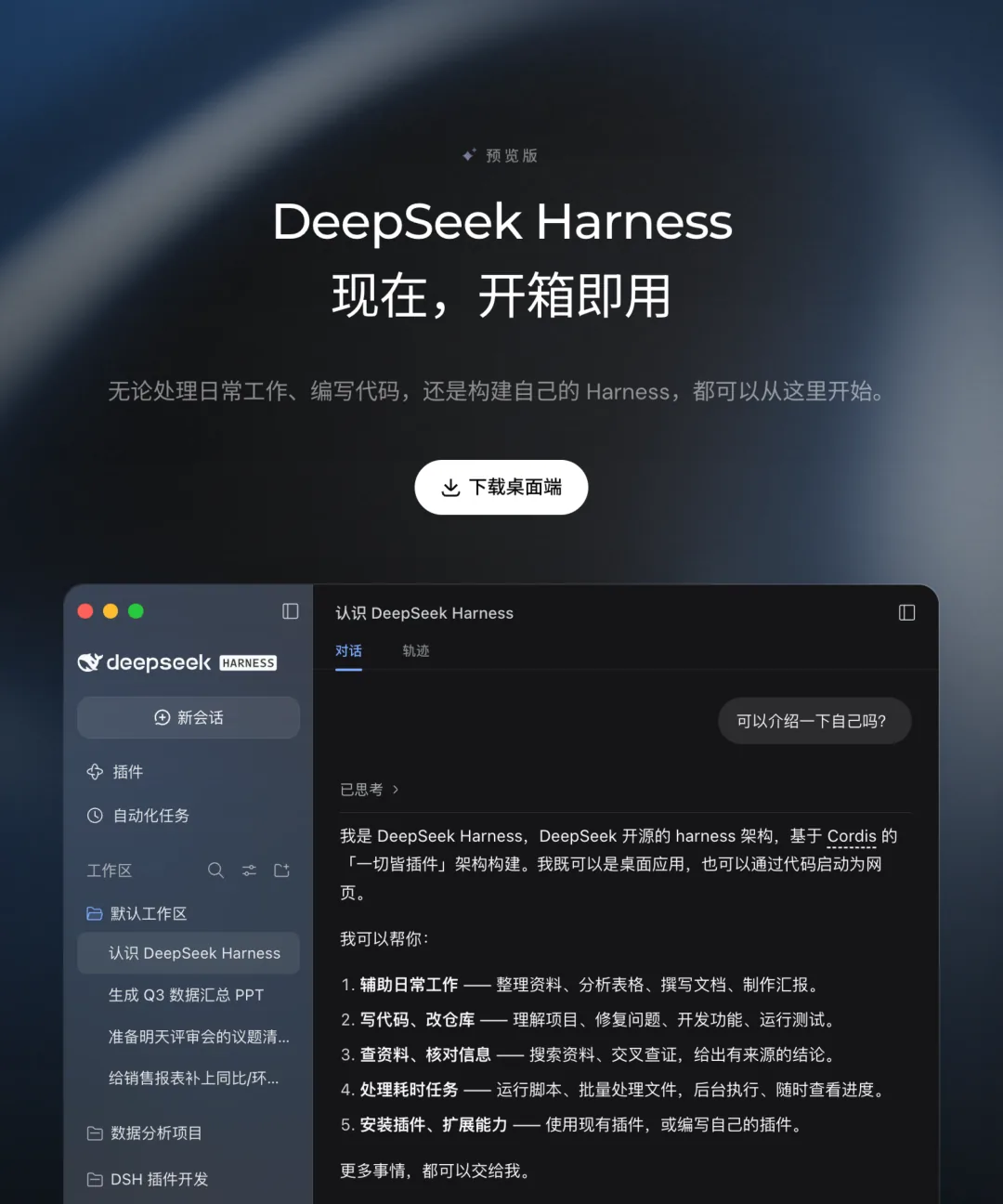
- Release Date: September 29
- Version: v0.2 Preview
- Platform: macOS and Windows desktop apps
- Availability: Pre-built installers live on DeepSeek official website
- Model Weights: Not disclosed (implicitly uses DeepSeek model API)
DeepSeek Harness is an intelligent desktop assistant targeting everyday office and development workflows. This update emphasizes practical functionality and extensibility, maintaining the ‘out-of-the-box’ product philosophy.
Plugin Ecosystem: Zero-CLI Installation and Creation
The new version introduces a Plugin Management Page where users can install plugins by simply entering their npm package names—no command line required. Uninstallation, enabling/disabling, and source information are all accessible in the same interface. This marks a meaningful shift from CLI-centric tools to polished desktop applications.
A surprising contrast emerges in user behavior: approximately 60% of DeepSeek Harness users (by official API user count) already adopt third-party plugins. Despite being in early preview stage, the plugin ecosystem has already become a dominant usage pattern.
Within the experimental Creative Mode, users can describe plugin requirements via natural language dialogue. Generated plugins take effect immediately, persist locally, and appear in the plugin management list—balancing power and accessibility.
Automated Tasks and Workflow Transparency
Built-in automation task plugin (opt-in) allows users to schedule repetitive work with configurable frequency. Task logs and adjustable instructions provide operational visibility.
File and code change workflows have also been refined: users upload documents, spreadsheets, or PDFs to generate reports, charts, or presentations; developers request code modifications and script execution. All generated files and diffs are centrally displayed in the conversation stream, with sidebar preview and delta-viewing, followed by dialogue-based edits or local app launches.
Interface Flexibility and Product Positioning
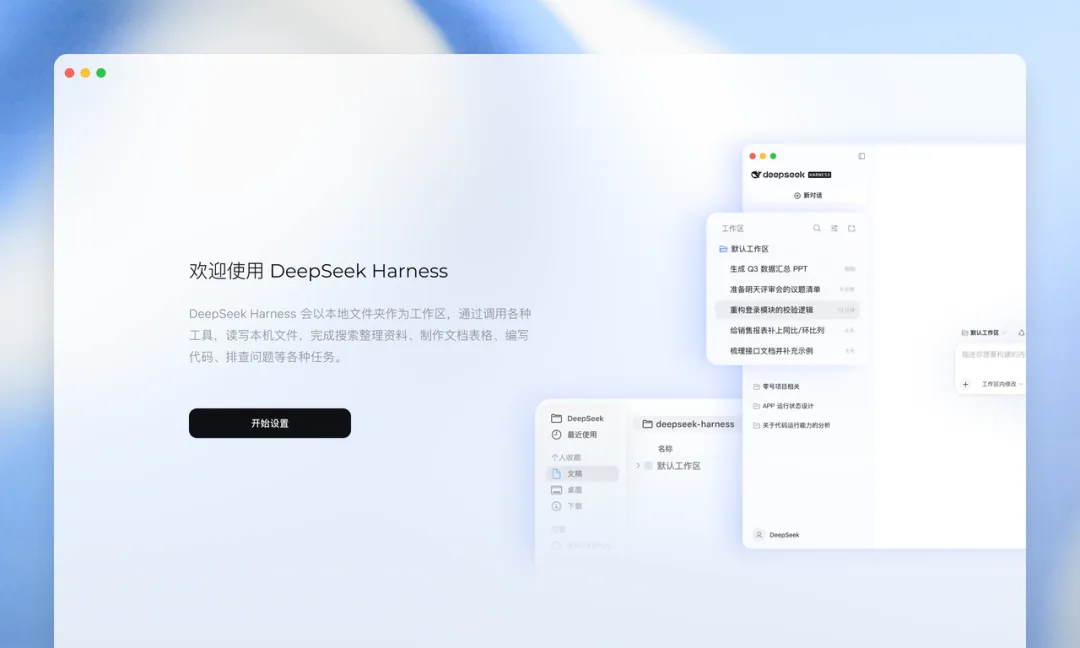
The app offers adjustable information density tiers: users choose how detailed Agent workflow steps appear, and which features prioritize visibility. This accommodates both onboarding simplicity and expert efficiency.
The team explicitly acknowledges DeepSeek Harness remains in early alpha: features and UX need refinement. Current capabilities form a functional闭环:
- Document/data processing → charts and slides generation
- Code assistance → editing, running + diff visualization
- Task automation → scheduling + execution logs
- Plugin extension → install/uninstall/create
User Recommendations
Try Now If You Are:
- Office staff needing report/chart/PPT automation
- Developers reducing repetitive tasks locally
- Technical early adopters curious about plugin ecosystems
Wait If You Are:
- Teams requiring robust sandbox security or agent teamwork in production
- Users needing cross-device sync or remote access (mobile/remote unsupported)
- Those seeking full browser or GUI automation (planned but not yet implemented)
Final Thoughts
DeepSeek Harness trajectory reflects a broader AI-app pattern: moving from demo features to integrated workflow systems. Its heavy reliance on third-party plugins highlights community co-creation as both a growth lever and a reliability challenge.