
ing序之心Lynx|GitHub Deep Dive: Humanizer|Giving AI Text Its Humanity Back
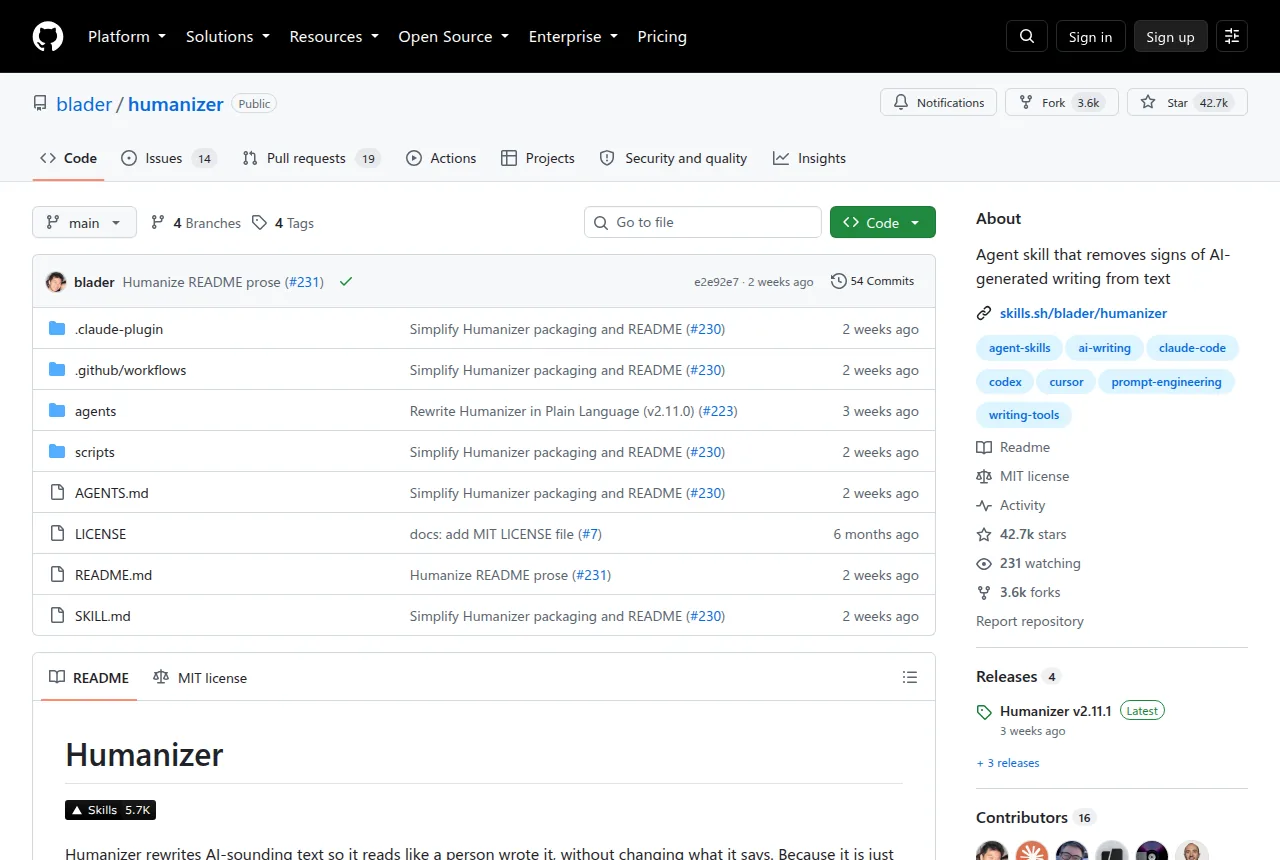
This is a rescue mission for words. As an ever-growing share of digital content gets flattened by the “overly fluent grammar” of LLMs, the rising GitHub star project Humanizer has chosen a quiet but resolute path: it doesn’t generate content—it only reshapes expression, restoring the watered-down, AI-inflected prose into something that reads like it was written by human hands. Now a regular fixture on GitHub’s Trending list, this 42,000-star Python repository updates quietly in the background, and its core thesis cuts straight to a crisis we’re most prone to overlook today: as text that reads too “human” multiplies, genuinely human-written text is quietly disappearing.
Thirty-Five Scalpels: From “Sounds Human” to “Is Human”
Humanizer’s working principle is built upon a community-maintained catalog of “AI writing tells” sourced from Wikipedia. It doesn’t create new content—it performs a precise surgical procedure on text: first, an initial rewrite pass, then a methodical trimming against 35 categories of AI writing symptoms.
These symptoms are carefully categorized:
- Content alienation: excessive hype, vague sourcing, formulaic challenge statements
- Linguistic inertia: high-frequency AI vocabulary (actually, Additionally), passive voice, subjectless sentences
- Stylistic ornamentation: overused tildes, forced bolding, title-case disease, redundant triadic parallelism
- Conversational phantoms: self-referential “hope this helps” sign-offs, knowledge-boundary disclaimers
- Filler problems: redundant prepositional phrases, overused hedges, hollow positive endings
Its philosophy is crystal clear: don’t fabricate facts, don’t override style. If proper nouns, data, or dates aren’t provided in the source, it stays silent; if the author supplies a personal writing sample, it follows rather than replaces—technical docs stay neutral, personal notes keep their voice, truly achieving “rewriting with humanity, not ghostwriting.”
Three Steps to Get Started, Five Ways to Use It
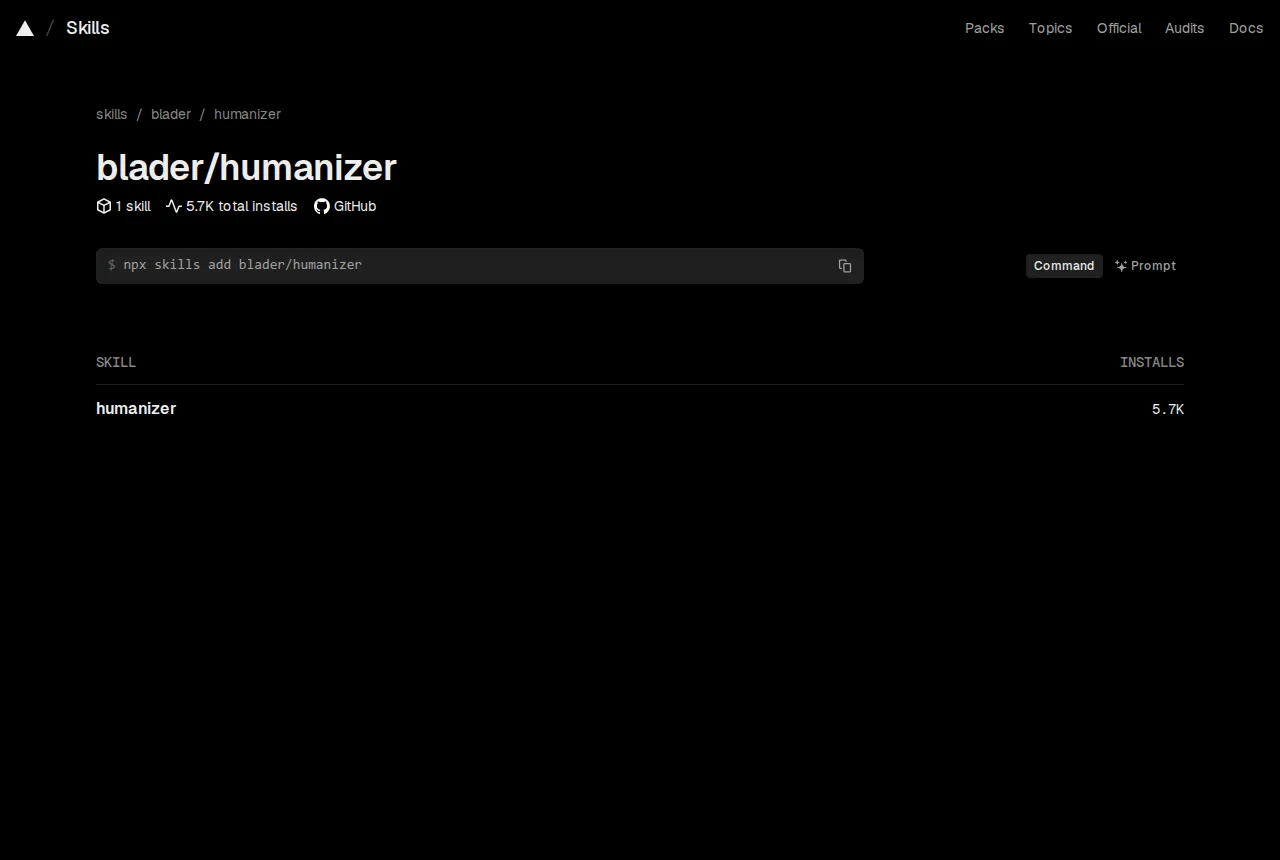
No compiling, no Python installation required. Humanizer is delivered in the GitHub Skills format—any platform that supports this protocol (including the interface you’re using right now) can invoke it instantly.
The simplest usage:
| |
Or point it to a file for batch processing:
| |
It breaks down the workflow: first outputting an initial rewrite, then attaching brief annotations flagging passages that still read “AI.” This transparent mechanism lets users either accept the result with one click or continue proofreading based on the flagged hints.
To match your personal writing style, simply provide a sample first:
| |
It then calibrates rhythm, vocabulary preferences, and punctuation habits accordingly, achieving true “writing persona preservation.”
Design Trade-offs: Trust Through Restraint
Humanizer’s tech stack is nothing flashy—pure Python, 35 rules that are controllable and traceable. But its design philosophy is full of tension: trading ceilings for floors.
The first trade-off is “no generation.” It repeatedly declares: facts must come from the source text or the author’s input. This stands in stark contrast to mainstream LLM-powered “optimization tools”—the latter often embellish and add flair under the banner of “making it better,” while Humanizer only subtracts.
The second is respect for style. It presets three writing types: technical, reference, and personal. Technical docs prioritize semantic clarity and terminological accuracy; reference materials maintain neutrality; personal texts correct expressive inertia while preserving the author’s original quirks. This kind of differentiated handling requires sophisticated context detection, but what it buys in return is measured, reliable output.
The third trade-off lies in “process visibility.” Most writing assistance tools black-box the rewriting process, while Humanizer chooses to expose its intermediate states and self-critique. This sacrifices some speed, but gains the user judgment space and learning opportunities—users may, through repeated use, internalize the AI writing tells that get flagged.
Who Should Use It?
- Content operators: when internal LLM-generated drafts feel too “robotic” and need batch human sharpening
- Developer documentation maintainers: when technical docs need to stay neutral and clear, free from forced wit
- Researchers and TAs: when LLM residue in paper drafts or lecture notes needs cleaning without losing the original meaning
- Anyone who senses they’re “writing more and more like AI”: when your prose starts showing the “reflecting showcasing testament” trifecta, it’s time for a check-up
Most comparable tools focus on either “AI content detection” (identifying which paragraphs read machine-written) or “full ghostwriting” (generating new content from scratch). Humanizer’s rare positioning: it accepts machine-generated drafts, strips away the machine texture, and preserves the human skeleton—making it the most pragmatic collaboration bridge under the current pace of things.
Final Thoughts
Humanizer isn’t a terminal station for writing—it’s a transitional bridge. It reminds us: technology can simulate grammar, but human perception of the world can never be replaced by statistical distributions. As more and more text gets overwritten by the common patterns of training data, this small defense of “authentic expression” has only just begun.